The real lesson from Raycast 2.0 isn’t the launcher — it’s the workflow underneath
If you publish across five platforms for a living, you already know the dirty secret of the creator economy: the tools that actually move your numbers are rarely the ones with “social” in the name. They’re the ones that shave friction off the twenty small tasks between an idea and a post. That’s why I pay attention when a tool like Raycast ships a major version, even though it isn’t a scheduler, an analytics dashboard, or an AI caption generator. The Raycast 2.0 launch on Product Hunt is a window into how the “command center” category is being rebuilt around AI that takes action — and that pattern is about to hit every social media stack you use.
What Raycast 2.0 actually is (and why a social operator should care)
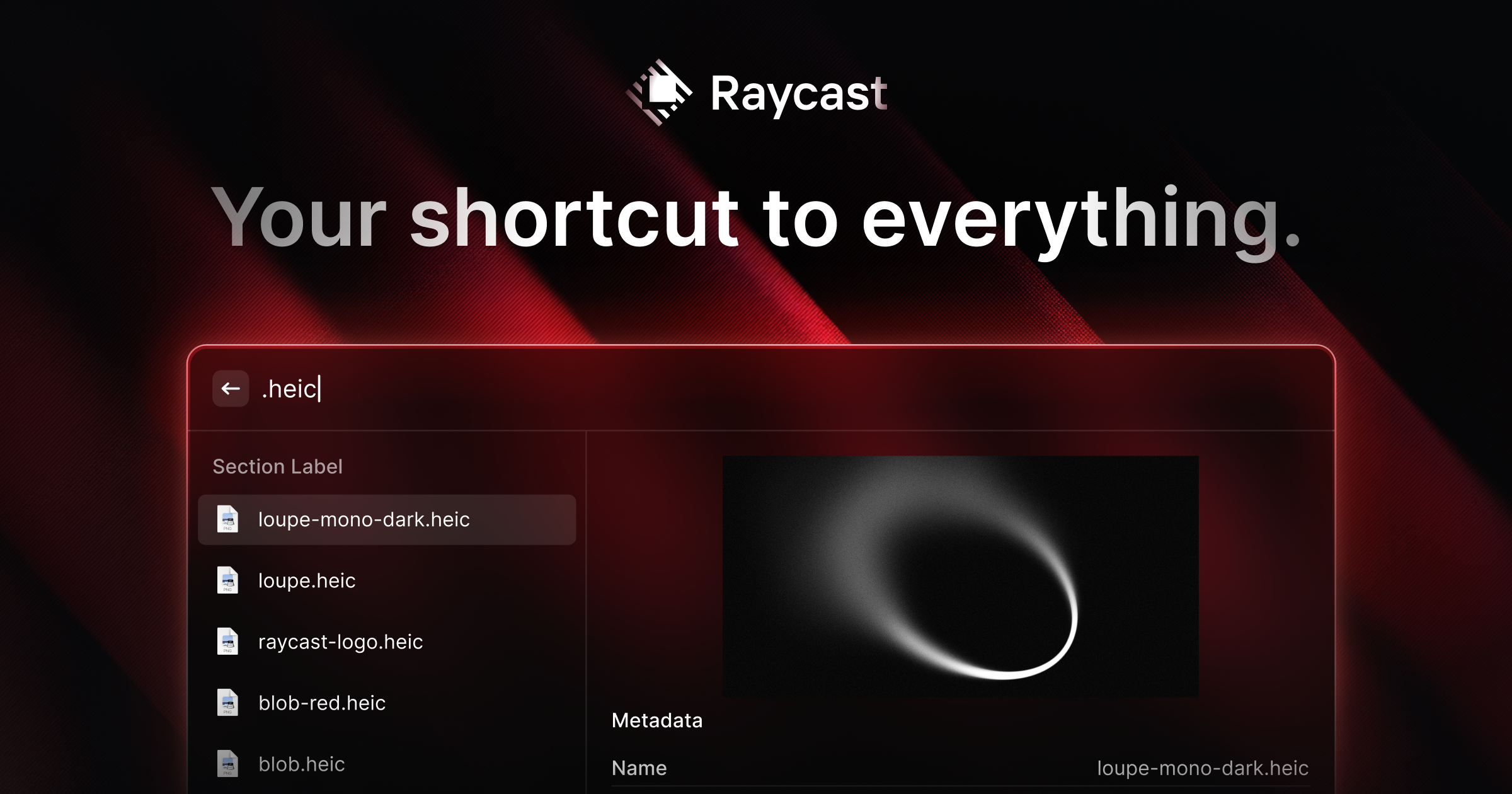
Raycast is a keyboard-first launcher for macOS and Windows. The maker, Thomas Paul Mann, frames it simply: “your shortcut to everything on your computer. Launch apps, find files, manage your clipboard, run extensions, and ask AI, all from your keyboard.” Version 2.0 came out of beta at the end of August and landed on Product Hunt today, rebuilt on a new foundation with a redesigned interface.
The headline features, per the maker’s own launch post:
- A fresh design for Liquid Glass, plus a compact mode.
- Faster file search inside the launcher, powered by a new indexing engine.
- More flexible shortcuts —
fnon its own, separate left/right modifier keys, hotkeys configured from the Action Panel. - AI with more context: Quick AI and AI Chat share a redesigned experience, Screen Awareness pulls in what you’re looking at, and relevant AI Extensions load automatically.
- Profile and Memory that carry context between conversations; Agents and Skills to tailor AI to repeated tasks.
- Built-in dictation with styles that adapt to where you’re writing.
- Projects and Automations — keep related chats under shared instructions and set recurring tasks.
- Bring your own subscription: connect an existing ChatGPT or Claude account.
If you’re a social media manager, that list probably reads like a productivity flex. Read it again as a workflow spec and it changes shape. “Projects and Automations” is a lightweight task runner. “Bring your own subscription” is a pricing model that respects the fact you already pay for an LLM. “Screen Awareness” is context capture. “Dictation” is a draft-capture input method. Every one of those is a component you’d otherwise be stitching together with a browser tab, a note app, and a half-broken Zapier.
Why the “bring your own AI subscription” model matters more than the feature list
This is the part I’d underline for anyone running a content operation. Most AI content tools bundle a model, meter your usage, and charge you again for the privilege. Raycast 2.0 goes the other way: connect your existing ChatGPT or Claude account. In the comments, a user asks whether a Codex subscription works too, and the maker confirms: “Yes you can bring your Codex subscription. I have both Claude and Codex connected.”
My take: this is the correct long-term shape for creator tooling, and I’d bet it becomes the default within a year. Here’s why. A social team already pays for at least one frontier model. Adding a second subscription just to get a caption generator is a tax on the same capability. When a tool lets you route your own key, three things happen: your cost model gets predictable, your data governance story gets simpler (you’re using the account your legal team already approved), and the tool has to compete on workflow rather than on model access. That last one is healthy. It forces products like this to earn their place by being faster, not by being the only door to a model.
There’s a catch, and I’ll flag it as opinion rather than fact: bring-your-own-subscription also means bring-your-own-rate-limits. When I’ve tested setups like this, the failure mode is always the same — you build an automation that fires a dozen model calls in a loop, and you hit your provider’s ceiling mid-run. The maker was asked exactly this in the comments: when an AI action across apps fails halfway through, can you resume from the last successful step or does the whole run restart? That question went unanswered in the thread as of the scrape. If you’re planning to run recurring content tasks through something like this, ask that question before you build the workflow, not after.
The incumbents you’d actually compare this to
Raycast doesn’t live in a vacuum, and the reviews make the competitive set explicit. Alfred comes up repeatedly — one reviewer says they “briefly evaluated Alfred” before settling on Raycast for the balance of power and simplicity. Monarch gets named as another powerful alternative. A reviewer’s honest summary: “although I tried similar apps like Alfred and Monarch, I kept coming back to Raycast. Not necessarily because it’s better (the other two are incredibly powerful too), just because at that point I had already developed a habit.”
That habit line is the most useful sentence in the whole page for anyone who sells software to creators. Switching costs in this category aren’t feature-driven, they’re muscle-memory-driven. The same is true of your social stack. Nobody leaves Buffer or Hootsuite because a competitor shipped a marginally better calendar view. They leave when the old tool breaks a workflow they’d already automated in their head.
The broader comparison set for a social operator looks like this. Later and Metricool own the visual planning and analytics layer. Canva and CapCut own asset production. Notion and Airtable own the content calendar as a database. Raycast sits one layer above all of them — it’s the thing you invoke to reach those tools without touching the mouse. That’s why the extension ecosystem matters so much, and why the most common complaint in the reviews is discoverability: “The extension store has gotten so massive that discoverability can occasionally be a bit tricky.”
What creators and social teams can borrow from this launch
You don’t have to install Raycast to steal its operating principles. Four of them transfer directly to a content workflow.
1. Treat “automations” as recurring tasks, not one-off prompts
The Projects and Automations feature is described as keeping related chats under shared instructions and setting up recurring tasks. One commenter asks whether you can chain commands — “I run the same few commands in the same order every morning before my first call” — and the maker replies: “You can just ask AI to run those in order and it should do it.”
That’s a small exchange with a big implication. The unit of AI work is shifting from “a prompt” to “a routine.” For social teams, the obvious routines are: pull last week’s top-performing post per platform, draft three variants, check them against your brand voice doc, and drop them into a review queue. If your current process is “open ChatGPT, paste the analytics, hope for the best,” you’re doing the manual version of something that’s about to be a scheduled job. Start writing those routines down now, in plain language, even if you’re still executing them by hand. The written routine is the asset.
2. Context capture beats prompt engineering
Screen Awareness — pulling what you’re looking at into the conversation — is the feature I’d watch most closely as a content operator. The reason is mechanical. The quality gap between a generic AI caption and a usable one is almost entirely context: the platform’s format constraints, the account’s voice, the specific asset, the campaign it belongs to. Most creators try to close that gap with longer prompts. The better move is to close it with better context injection.
In my own tests of similar tools, the single highest-leverage thing I’ve done is keep a living brand-voice document — tone rules, banned phrases, three exemplary posts — and feed it into every generation step. Whether that document lives in a Raycast Project or a Notion page is secondary. What matters is that the context exists in a reusable form rather than being retyped into a chat box.
3. Dictation is an underrated input for short-form
Built-in dictation with styles that adapt to where you’re writing sounds like a footnote. For anyone producing short-form video and text posts at volume, it’s closer to a core feature. The bottleneck in short-form isn’t editing, it’s getting the first draft of the hook out of your head. Voice is faster than typing for that, and it captures a more natural cadence — which, conveniently, is what performs on TikTok and Threads. I’d test this specifically: dictate ten hooks, then compare them against ten typed hooks from the same brief. My bet is the dictated set reads more conversational, and conversational is what the distribution algorithms reward.
4. Keyboard-first is a real advantage when you’re posting at volume
The reviews are unanimous on this point. One reviewer: “keeping your hands on the keyboard is everything… It completely eliminates friction and keeps you locked in that deep-work flow state instead of constantly context-switching.” Another: “I use it constantly to launch apps, run custom scripts, handle window snapping, and manage my clipboard history without ever having to reach for the mouse.”
If you publish thirty posts across five platforms in a week, the mouse is your enemy. Every context switch is a chance to get pulled into the feed instead of finishing the batch. This is the same reason power users of scheduling tools learn the keyboard shortcuts in Buffer and Metricool — not because shortcuts are cool, but because batching is the only way to survive a multi-platform calendar, and batching requires flow.
Where the math breaks — and who this is not for
Here’s the honest section, and it’s longer than the hype sections for a reason.
Platform lock-in is real and acknowledged. Raycast 2.0 requires Tahoe and Apple silicon, per the maker’s own note. The reviews list “limited to macOS” as a recurring con. There’s now a Raycast for Windows build and a Raycast for iOS app, but a reviewer flags that “the iOS app doesn’t let me use my Claude API code” — so the bring-your-own-subscription benefit doesn’t fully travel to mobile yet. If your content operation runs on Android and Windows, this is not your tool today.
The iOS app is described as undercooked. That’s from the review summary on the page itself, not my characterization: “a few also mention rough setup for remote MCPs, an undercooked iOS app, and one sharply negative report about poor file finding and uninstall issues.” One negative report out of 160 reviews is noise, not signal — but the iOS note shows up more than once, and for a creator who drafts on a phone, that matters.
Discoverability degrades as ecosystems grow. Two separate reviewers raise it. This is a structural problem, not a bug, and it’s worth naming because your social stack has the same disease. The more integrations a tool adds, the harder it is to find the one you need. If you’ve ever scrolled a Zapier directory looking for the right trigger, you know the feeling.
The migration path has friction. The maker notes that v1 users “should see an action to update and migrate,” and that if you don’t see it you can download directly and replace v1. Migrations are where workflows break. If you’ve built automations on top of a tool, always check what survives the upgrade before you click.
One comment is worth flagging for transparency. A commenter writes: “It’s extremely disappointing to see that Raycast is an active supporter and promoter of fascism. You guys need to stop using twitter.” I’m including this because it’s on the page and readers deserve to see the full comment thread rather than a curated highlight reel. It’s a single user’s political criticism tied to the company’s presence on X, not a product claim, and the company hasn’t responded in the thread. You can weigh it however you weigh platform-presence decisions — which, as someone who advises brands on where to publish, I’d argue is a legitimate strategic question in 2025, separate from any single product.
Who this is not for: solo creators who post to one platform from a phone. The entire value proposition is keyboard-driven, multi-app orchestration. If your workflow is “film, edit in CapCut, upload,” you don’t have the friction problem this solves. You have a different one — probably distribution and hook quality — and no launcher will fix it.
Why TikTok creators should care more than LinkedIn ones
This is my opinion, but it follows from the mechanics. LinkedIn rewards long-form, considered, text-heavy posts where the drafting process itself is the value — you sit, you think, you write. TikTok rewards volume, speed, and iteration. The number of shots you take at a hook is directly correlated with how many of them land, because the TikTok algorithm distributes on watch time and completion rate, and you can’t predict completion rate from a spreadsheet. You have to ship and read the data.
That means the TikTok creator’s bottleneck is throughput: more hooks, more variants, more tests, faster. Every tool that removes a context switch is worth more to them than to a LinkedIn writer who publishes twice a week. If you’re running a TikTok-first content operation, the automation-and-dictation parts of this release are the ones to study. If you’re LinkedIn-first, the bring-your-own-subscription model is the interesting bit, because you’re probably already paying for a model and would rather not pay twice.
What I’d watch / test next
Three concrete things to do this week, whether or not you install anything.
First, audit your context assets. Open your last twenty posts that performed well. Extract the patterns — hook structure, tone, formatting, length. Write them into a single reusable document. This is the asset that makes any AI tool, Raycast included, produce output you’d actually publish. Without it, you’re paying for a model and getting generic filler.
Second, write down one recurring routine in plain language. Not a prompt — a routine. “Every Monday: pull top three posts per platform, identify the common thread, draft two follow-ups, add to review queue.” Then time how long it takes you to do by hand. That number is your baseline, and it’s the only honest way to evaluate whether an automation tool is worth adopting later.
Third, check your own toolchain for the migration trap. If you use a launcher, a scheduler, or an analytics tool that’s about to ship a major version, find out now what breaks. The Raycast v1-to-v2 note is a reminder that “most of you should see an action to update and migrate” is not the same as “everything you built will keep working.”
And if you’re on Apple silicon and already paying for Claude or ChatGPT, the free test is simple: connect your existing subscription, build one recurring routine, and see whether the keyboard-first flow actually keeps you out of the feed. If it does, you’ve bought back real time. If it doesn’t, you’ve learned something about your own workflow that no launch post could have told you.