
Should Overseas Teams Adopt Automation Tools? Calculate This Time Cost First

Open your operations calendar and count how many hours you spent this week on mechanical actions like copying‑pasting, adjusting formats, and switching platforms. Multiply those hours by your team’s hourly wage, and you’ll get a silent cost number—often an order of magnitude higher than any SaaS subscription fee. This article doesn’t debate “whether automation is good,” but helps you calculate this time cost so you can decide if a tool is worth it.
Your Operational Hours Are Actually a Quantifiable Cost
An operations person spends an average of 2–3 hours per day on cross‑platform manual publishing. This isn’t an exaggeration—if you’ve ever managed more than three social accounts, you’ve experienced a workflow like this: write a copy in Google Docs, copy it to Instagram to adjust characters and line breaks, then copy it to LinkedIn to reformat, then go to X (formerly Twitter) to shorten it, and finally adapt it again for Threads. Each platform switch takes at least 3–5 minutes. Publishing 3–5 pieces of content a day means copying‑pasting and formatting alone consumes over an hour.
That doesn’t even count login switching time. If your accounts are spread across different browsers or devices, each login wastes at least 30 seconds. Over a day, the “login‑publish‑logout” loop can consume 45 minutes.
Convert those minutes into cost: assume an operations staff member’s monthly salary translates to $15‑$25 per hour. Two andpoint‑five hours of manual work per day equals 50 hours per month. At $20/hour, that’s $1,000 per month. With a five‑person team, the number jumps to $5,000. Most automation tools on the market cost $20‑$50 per month—so the gap isn’t one order of magnitude, it’s two to three.
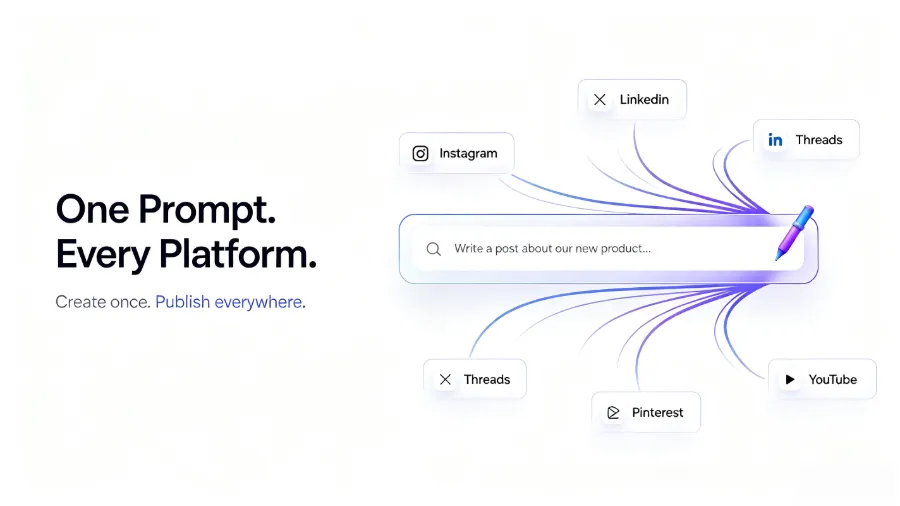
I’ve seen many teams agonize over a $30‑per‑month tool fee while ignoring dozens of hours of ineffective manual work each week. The reason is simple: subscription fees are explicit expenses, visible the moment the credit‑card charge hits; labor cost is implicit, hidden in payroll, and no one specifically calculates “how many hours this person spent copying‑pasting this week.”
Calculate ROI: Is the Automation Tool Worth That Subscription Fee?
Start with a simple ROI formula:
(Hours Saved × Team Hourly Wage) – Tool Monthly Fee = Net Monthly Benefit
Take a five‑person team as an example. Assume each person saves 1.5 hours per day through automation (this is actually conservative—if you currently spend 2–3 hours daily on manual publishing, automation can recover at least 70 % of that time). Using a 22‑working‑day month:
- 5 people × 1.5 hours/day × 22 days = 165‑225 hours/month
- At $20/hour: $3,300‑$4,500/month
- Subtract tool monthly fee (assume $50‑$100): net benefit $3,200‑$4,450/month
This calculation doesn’t yet include hidden benefits. Reducing errors—manual publishing often results in posting to the wrong platform, wrong links, missing hashtags—brand damage from a few hundred viewers is hard to quantify but certainly not zero. Maintaining a publishing rhythm—when you rely on manual posting, holidays, vacations, and meeting conflicts cause gaps, while social‑media algorithms reward consistent updates. Freeing creative time—this is the most overlooked point: when operators no longer worry about mechanical actions, they finally have energy to think about content strategy, data analysis, and testing new formats.
Flownib and similar tools are usually far cheaper than the saved amount above. Even the cheapest plan often yields a positive ROI—provided you have enough publishing volume. Buffer’s social‑media management resources show that brands posting more than five times per week see engagement rates 3‑5 times higher than low‑frequency posters. Automation turns “maintaining rhythm” from a goal into a default state.
If you manage multiple client brands, the situation gets more complex. I’ve seen a team handling the voices of 50 client brands; without automation, just switching accounts and confirming posts each week consumed an entire workday. Isn’t that a problem a tool can solve? Yes, but only at the execution layer; strategy still requires human input.
What Specific Pain Points Can Automation Tools Solve?
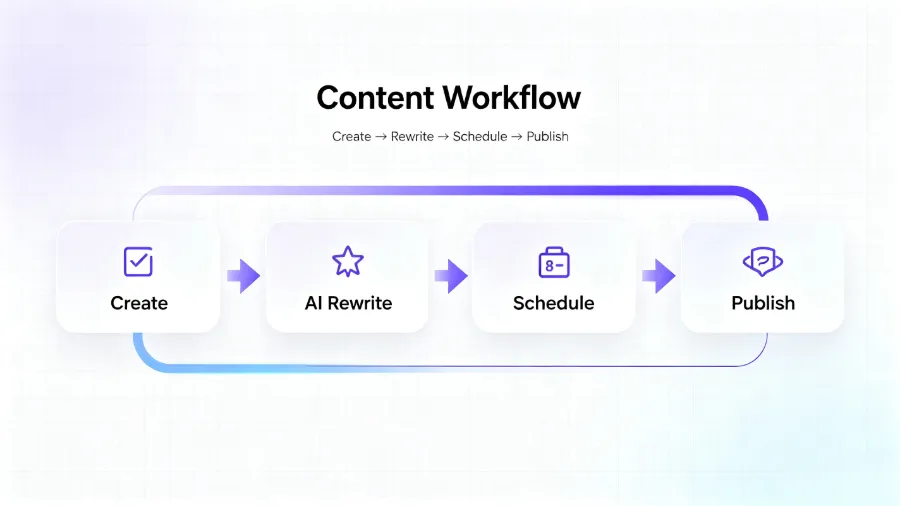
The most common operational friction points for overseas teams—four of them:
Inconsistent formats across platforms. An Instagram post can be 2,200 characters, X only allows 280 (4000 for X Premium), LinkedIn favors long text but needs paragraphs and line breaks, and Threads sits somewhere in between. Manual adjustments often lead to truncated content or broken formatting. Automation tools solve this with AI rewriting—write a full copy once, and the tool generates platform‑specific versions automatically. Tools like Flownib support ten major social platforms (Instagram, X, LinkedIn, Threads, YouTube, Pinterest, Google Business, etc.) and distribute the content after a single creation.
Time‑zone differences causing missed optimal posting times. Overseas teams target audiences across multiple time zones. If your team is in Beijing and the target market is in New York, your working hours are their night. Manual publishing means staying up late or using third‑party schedulers—most of which support only a single platform. Built‑in smart scheduling in automation tools can automatically pick posting times based on each account’s audience activity.
Chaotic multi‑account management. A brand may have a main Instagram account, sub‑brand accounts, regional accounts—each needing a different content strategy. Manually switching accounts is inefficient and prone to errors—I’ve personally seen an operator post B2B content to a B2C account, resulting in comments like “Did you get hacked?” A unified dashboard in automation tools lets you manage multiple accounts simultaneously and preview before publishing.
Missing content calendar. Teams without a content calendar rely on “what do we want to post today?” Automation tools often include a visual calendar that shows weekly and monthly publishing plans, preventing duplicate content and gaps.
| Pain Point | Manual Process Time (per week) | Time After Automation (per week) | Time Saved |
|---|---|---|---|
| Cross‑platform format adjustment | 5 hours | 0.5 hour | 4.5 hours |
| Multi‑account login switching | 3 hours | 0 hour | 3 hours |
| Content calendar maintenance | 2 hours | 0.5 hour | 1.5 hours |
| Publishing checks & corrections | 2 hours | 0.5 hour | 1.5 hours |
The table is based on a team managing 4‑5 platforms and publishing 15‑20 pieces of content per week. If your publishing volume doubles, the saved time doubles as well. Real‑world experience with single creation and global publishing tells us that the most noticeable change after automation isn’t speed—it’s that the team finally has time for content strategy.
Here’s a counter‑intuitive observation: the biggest hidden value of automation tools isn’t saving publishing time, but freeing the “creative bandwidth” of operators. When they no longer worry about “Will this be truncated on X?” or “Is the LinkedIn format correct?” the team can focus on “What’s this month’s content theme?” and “Which topics drive higher interaction?” Many fear automation makes content homogeneous, but in practice the opposite happens—extra time actually improves content quality.
When Not to Adopt Automation—and How to Avoid Pitfalls
Automation isn’t a cure‑all. The most typical failure case I’ve seen: a team rushed into an automation tool without fully evaluating their content strategy, and AI‑rewritten content deviated dramatically from the brand voice—humorous, casual tone turned into formal business language, prompting fans to comment “Did you change the copy?” The team spent an additional three weeks rolling back configurations and recalibrating AI rewrite parameters.
That lesson highlights three points:
First, content strategy still needs human control. AI can handle format and length adaptation, but it doesn’t understand your brand context. If you have a post about a “brand anniversary,” AI might change “We’ve been around for 10 years” to “We are now 10 years old”—the tone shifts from friendly to official. You need to set a brand‑tone guide and continuously proofread AI output for the first few weeks.
Second, rely on API stability. Automation tools depend on each platform’s official API. YouTube’s blog has announced API changes multiple times; Instagram’s API has undergone frequent permission adjustments. When a platform updates its API, your publishing flow can be disrupted for hours or days. If you need near‑real‑time publishing (e.g., news accounts), a pure automation solution may not be reliable enough.
Third, initial configuration takes time. Connecting accounts, setting brand tone, configuring publishing rules—these tasks can require 2‑4 hours in the first week. Many teams quit during the setup phase because they expect “plug‑and‑play.” In reality, automation tools need “training” to deliver maximum value.
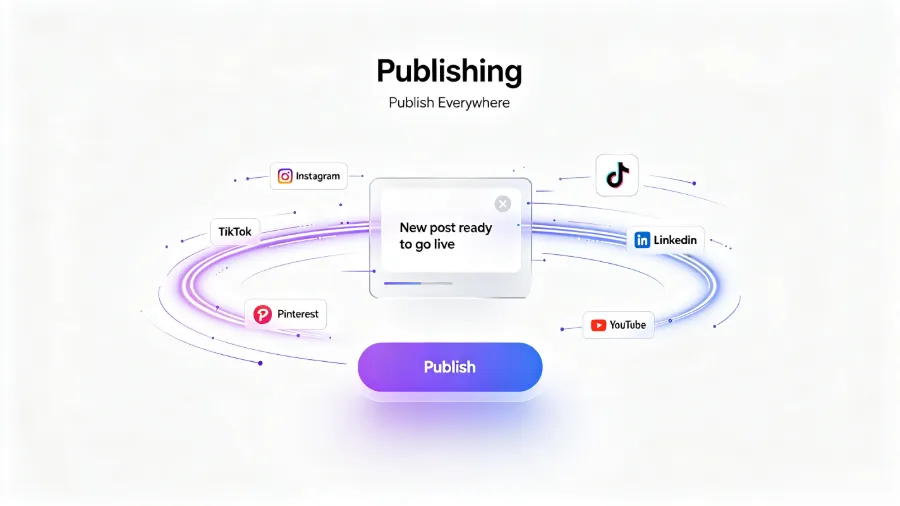
When is it better to hold off on automation?
- Team of one person, publishing ≤ 5 pieces per week. The time cost of manual operation may be lower than the learning and configuration cost of a tool. Run a manual workflow to refine strategy first, then consider a tool when volume grows.
- Highly customized content. If every piece requires bespoke visual elements or interactive formats (e.g., Instagram stickers, LinkedIn polls), automation can only help a limited portion.
- Extremely unique brand voice. Brands that heavily use industry jargon, dialects, or invented terms need large training data for AI rewrite to mimic the tone accurately.
The decision rule is simple: if your team spends more than 10 hours per week on “publishing execution,” automation is likely worth a try. Most tools offer free tiers—Flownib provides three social accounts and six posts for free, with a two‑minute setup. Run the free tier for a month, compare manual vs. automated time consumption, then decide.
Another often‑overlooked point: automation turns “daily publishing” from a goal into a default state. When publishing no longer requires willpower, the compounding effect of consistency starts to appear. Many teams underestimate the long‑term value of “maintaining rhythm”—the most underrated lever for social‑media growth isn’t viral content, it’s relentless update frequency. If you still have questions about choosing an all‑in‑one social‑media tool, check out this selection guide, which compares tools on API support, pricing, and feature coverage.
FAQ
Q1: Can automation tools completely replace human operations?
No. Automation solves execution‑level efficiency—copy‑pasting, formatting, scheduling. Content strategy, brand‑tone control, crisis management, and user interaction still require human involvement. The ideal state is “tool executes, humans decide.”
Q2: Do small teams (1‑2 people) need automation tools?
It depends on publishing volume. If you post more than 10 pieces per week across three or more platforms, automation can save 3‑5 hours weekly. For a 1‑2 person team, those 3‑5 hours can be the difference between “having a strategy” and “having none.” Most tools have free tiers for zero‑cost experimentation.
Q3: Will automation tools cause content quality to drop?
Possibly in the short term. AI rewriting needs a calibration period; the first 1‑2 weeks may show tone drift. In the long run, the freed time can be used to improve content strategy—provided you actually spend the saved time on planning rather than scrolling social media.
Q4: How do I determine which automation solution fits my team?
First, calculate publishing volume: how many posts per week, across how many platforms? Then assess team size: how many people handle publishing? Finally, evaluate content complexity: is it mostly standardized or heavily customized? Teams with high volume, many platforms, and standardized content see the highest ROI from automation.
Q5: Is a free tier enough? When should I upgrade?
Free tiers are great for validation—test the tool for a month to see if it fits your workflow. Upgrade when the free quota (e.g., weekly posting limit) is insufficient or when you need to manage more accounts. Another upgrade signal is when you feel “the tool really saves time, but the features are not enough.”
Share Article


