
How to Choose the Social Media Scheduling Tool That Truly Fits You

Every morning, five social apps on my phone take turns reminding me that “unscheduled content is piling up”—Instagram needs a product photo, X (formerly Twitter) needs a trending post, LinkedIn requires a professional update, and TikTok wants a short video. I tried using a notes app to plan schedules and set alarms to remind myself to log into each platform and manually copy‑paste posts. After about three months of this fragmented workflow, I realized that the so‑called “daily posting” became a habitual drain rather than creation. What you truly lose isn’t just time; it’s control over your content rhythm. Moving from manual login, copy, paste to a single schedule and automated publishing isn’t about the number of tools; it’s about a workflow that reduces friction instead of adding management complexity.
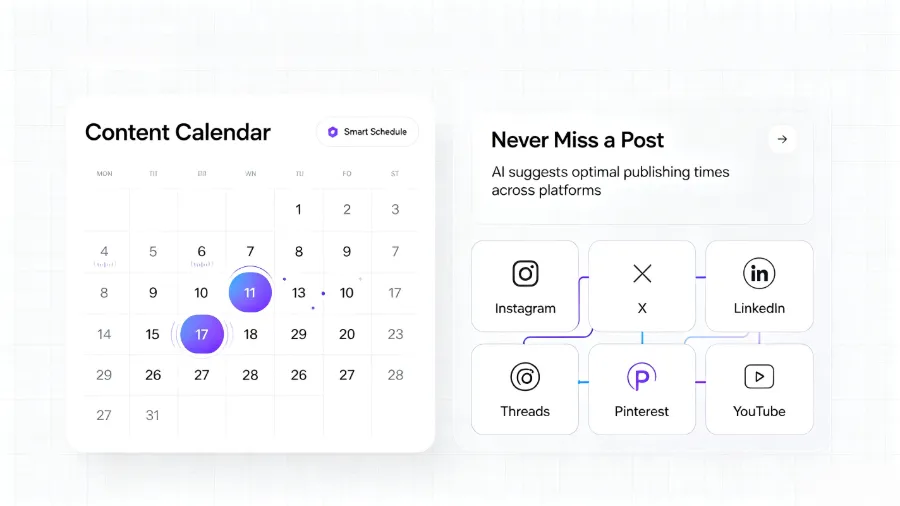
Buffer’s research data is straightforward: batch scheduling can cut weekly publishing time by roughly 60%. This isn’t marketing hype—when I loaded a week’s worth of ten‑plus pieces of content into the schedule queue at once, the work that used to be half an hour a day compressed into less than an hour once a week. After freeing up that time, I found that the real effort went into community interaction and content strategy, not the “login‑copy‑paste” loop. If you’re still undecided about which channels to prioritize next year, first check which platforms matter most to your target users—Which Four Social Media Platforms to Prioritize in 2026 is a data‑driven article worth a ten‑minute read.
What Social Media Scheduling Tools Actually Solve
When I first encountered scheduling tools, I thought they were just upgraded alarm clocks for “post at a set time.” It wasn’t until two weeks later that I realized the real value lay in changing my creation rhythm. Previously, writing a single post meant resizing for Instagram, trimming characters for X, and adding more context for LinkedIn—processing the same material three times, each in a separate window. The core contribution of a scheduling tool is to consolidate these repetitive actions into one interface.
A content calendar makes this process more visual. Drag‑and‑drop to adjust dates, preview weekly publishing density, instantly see which platform has gaps—these actions turn the abstract “social media operation” into a visual project management task. In team collaboration scenarios, a visual calendar also avoids “who said we should post that discount on Wednesday” disputes. For anyone managing three to five accounts, a content calendar is the pivot that turns chaos into order.
Of course, not everyone needs a full‑featured version. A solo creator might only need a simple queue and basic analytics, while a three‑person team requires multi‑user permissions and approval workflows. The value of a tool never lies in the sheer number of features, but in how well it aligns with your real workflow. You don’t want the tool itself to become a new management burden.
Key Features to Focus on When Evaluating Scheduling Tools
Over the past two years I’ve tried five or six scheduling tools, from free tiers to enterprise trials. The most easily overlooked yet valuable feature layers are:
Visual Content Calendar is the most basic and also the most likely to be a pitfall. Some tools have beautiful calendars, but dragging to reschedule takes several seconds, and mobile operation buttons are hidden deep. A truly good calendar should sync between desktop and mobile, allowing you to adjust two post times on the subway with a simple finger swipe.
Batch Upload Capability is something many users don’t realize its importance during the free stage. When you start posting more than ten items a week, manually entering title, body, link, and tags for each piece becomes exhausting. Tools that support CSV bulk import let you prepare a month’s worth of content in a spreadsheet and dump it into the schedule queue in half an hour, eliminating the need to touch the publishing interface for the next four weeks.
AI‑Assisted Writing attracted me at first, but I later found its benefit varies dramatically across accounts. If your content is only in Chinese, the time saved by AI rewriting is limited—proofreading and fine‑tuning almost cancel out the writing time saved. However, if you manage three language versions, AI rewriting becomes not just a time‑saver but a “possible becomes doable” factor. Most comparison articles never mention this watershed, yet it’s one of the most critical decision points for monolingual versus multilingual operators. We dissected this in our AI Auto‑Rewrite and Distribution Workflow to Ten Platforms; after using it, you’ll see that AI rewriting’s benefit for multilingual accounts far exceeds that for single‑language scenarios.
Unified Inbox is a missing piece many discover only after using a tool. Scheduling tools handle publishing, but comments, DMs, and mentions remain scattered across native apps. Switching between five apps to reply to messages and comments defeats the convenience of “automated publishing.” If community management is a priority, a tool without a unified inbox will severely degrade your response experience.
Mobile support also deserves its own mention. Some tools are feature‑rich on desktop but only expose “view publishing history” and “manual post” in the mobile app—no schedule adjustments, draft editing, or content preview. For people who need to handle content on the go, that essentially neuters the tool’s practical value. Check out HubSpot’s marketing blog analysis of content workflow efficiency; their discussion on mobile collaboration is spot‑on.
Another often‑overlooked feature is Two Ways to Let AI Manage Your Social Media—this path talks about “managed” rather than “assisted.” When your account count and content frequency reach a certain scale, the gap between fully managed auto‑distribution and semi‑automatic assistance becomes stark.
What the Mainstream Scheduling Tools Emphasize in 2026
I spent two months testing the major scheduling tools on the market. Each has a distinct bias; there’s no “best,” only the one that fits your workflow best.
Buffer’s minimalist scheduling is the most creator‑friendly. The free plan covers three accounts, and the interface is so clean it has almost no learning curve. Its drawbacks are obvious—data analytics and advanced collaboration features are virtually nonexistent. If you need cross‑platform comparisons of reach, engagement, or conversion, Buffer will keep you at a very shallow level.
Hootsuite’s veteran ecosystem still holds a place in large agencies. It supports over 30 platforms, and its approval flow and role‑based permissions are mature. However, I hit a clear pitfall: after deploying Hootsuite Enterprise, about 80 % of its advanced features (multi‑level approvals, automation rules, compliance archiving) were never used. Those modules added a high learning curve, causing a two‑month adaptation period and a roughly 12 % increase in staff turnover. This is a classic “feature overload” case—choosing a tool because “everyone else has it” leads to many unused options gathering dust.
Sprout Social’s deep analytics module is a strength for brand teams, but its enterprise tier starts at $199 per month, which small teams can’t absorb. Later’s visual planning is excellent, especially for Instagram‑centric creators, but its publishing experience on X and LinkedIn is noticeably weaker. Metricool offers good value; its free tier includes basic scheduling and cross‑platform analytics, but the UI localization isn’t polished, so Chinese users may encounter some wording inconsistencies.
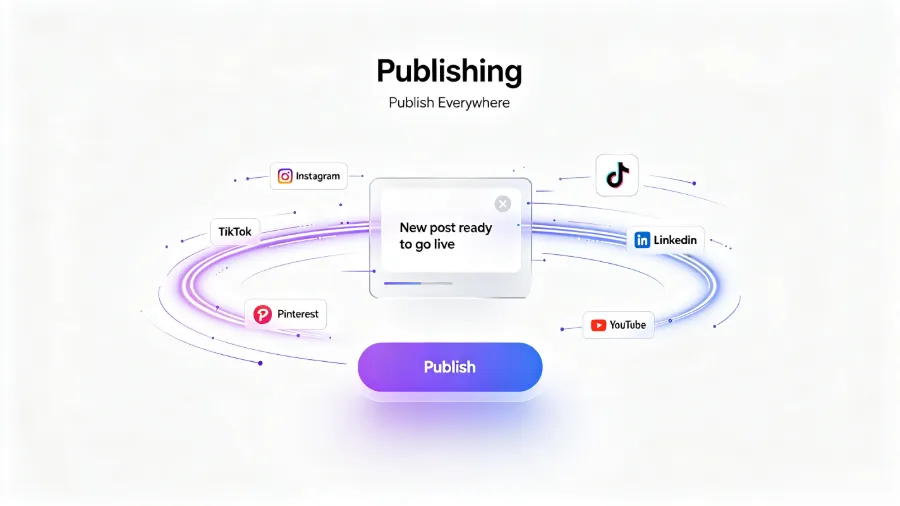
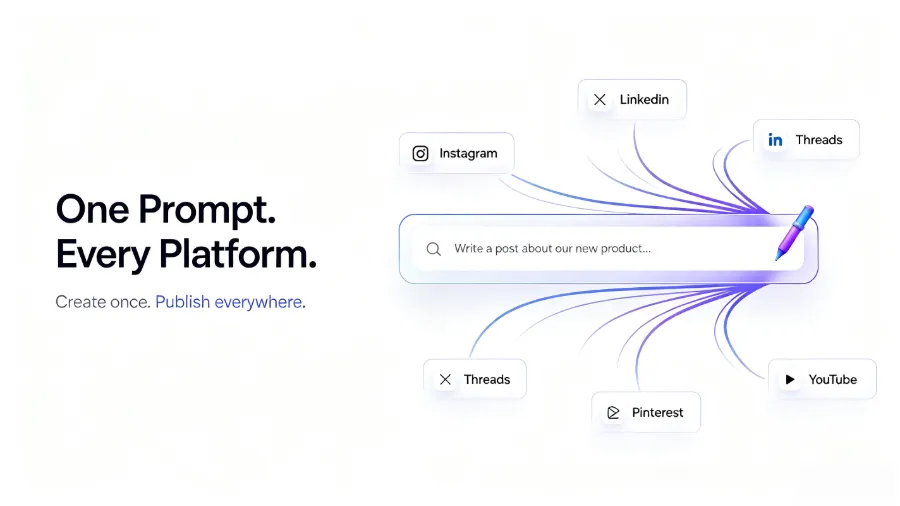
While comparing these tools, I discovered Flownib—its core difference lies in a higher degree of “AI rewrite then distribute” automation. Instead of publishing one version across platforms, AI first rewrites the content to fit each platform’s format, character limits, and tone, then auto‑publishes. If you manage a long LinkedIn article, a short X post, and an Instagram caption simultaneously, this “rewrite‑then‑distribute” flow can save at least half the time spent on per‑platform adaptation.
How to Filter Tools Based on Your Scenario
If you’re browsing comparison pages, pause and ask yourself three questions: How many social platforms do you currently need to manage? Is it a solo operation or a team collaboration? How granular must your data be?
Independent creators typically upgrade from a free to a paid plan when they manage three to five active platforms. Fewer than three platforms can be handled with manual posting or pure free tools; beyond five, the error rate of cross‑platform copy‑pasting rises sharply—I once mistakenly posted a LinkedIn cold‑start plan on TikTok, spent half a day fixing it, and had to retract and repost.
When scale grows, a tool’s real expansion cost isn’t just the monthly fee; it’s whether your content structure can be migrated. Many tools offer attractive free entry points, but once you’ve built dozens of scheduled posts, linked asset libraries, and tags, exporting to another tool may be impossible. Free plans are often the hardest to evaluate for migration cost: the true expense isn’t the monthly charge but the inability to export embedded content structures. Most people discover this only when they try to move, by which time they’ve invested over six months of scheduling data.
For cross‑border e‑commerce sellers, AI rewrite‑and‑distribute shines across languages and platforms. Chinese copy posted directly to Japanese or European accounts is almost unusable, and manual translation for each post is prohibitively expensive. I documented a real case in How Cross‑Border E‑Commerce Sellers Used AI for Global Social Media Distribution in 2026: a bi‑monthly campaign required distribution across five countries and four platforms. Manual adaptation would have taken about twenty hours; the rewrite‑plus‑distribution flow produced a first draft in three hours. Running the same process again only needed minor tweaks—this illustrates the multilingual watershed mentioned earlier.
Also be careful of over‑filtering. My advice is not to let “feature overload” dictate your choice. If a tool boasts support for thirty‑two platforms, built‑in CRM, A/B testing, and custom report templates, but you only need posting and basic analytics, it won’t improve efficiency and will add decision noise. Usability should always outrank feature count. Buffer’s resource center offers a content scheduling methodology you can reference, but you don’t have to copy its framework wholesale.
AI rewrite is far more valuable for multilingual operators than for single‑language users—this judgment has been repeatedly validated in my hands‑on work. If you currently manage only Chinese accounts, the marginal time saved by AI rewrite is modest; once you start handling two or more language versions, the gap widens dramatically, becoming a game‑changer. Flownib’s AI rewrite workflow is built around this scenario, so keep an eye on it if you plan to expand into cross‑border channels.
Frequently Asked Questions About Social Media Scheduling Tools
Do social media scheduling tools have free plans?
Most mainstream tools offer free tiers or trial periods. Buffer, Metricool, and Later all have entry‑level free plans that typically cover three accounts and basic scheduling. If you only need the simplest timed posts, these free plans are sufficient. Keep in mind that free versions usually don’t include advanced analytics, AI rewrite, or team collaboration—once you grow to five or eight accounts, upgrading becomes inevitable.
Do I still need to log into each platform every day after using a scheduling tool?
You don’t need to manually log into every platform to post daily, but you should check the unified inbox for DMs and comments each day to keep community interaction alive. Scheduling tools solve the “publish” efficiency problem, not the “engagement” part. If you rely entirely on automated publishing and never return to the apps to view comments, your brand–follower relationship will quickly become cold.
What’s the minimum number of posts per platform per day to sustain growth?
There’s no fixed rule. Most brands maintain one to two posts daily on Instagram and three to five tweets on X to keep basic visibility. The key isn’t quantity but consistency and relevance—rather than flooding with five unrelated posts daily, it’s better to post a truly helpful piece every other day.
Will AI‑generated copy ever go off‑track?
Most platforms let you preview AI‑generated versions before scheduling and make manual tweaks. Always preview before publishing, especially for brand discounts, holiday specials, price, or date information. I’ve encountered two instances where AI rewrote a discount percentage incorrectly; without previewing, the mistake would have been a major headache. The premise of AI saving time is that you spend a few minutes reviewing before publishing.
Share Article


