
Multi-Account Social Media Management: A Practical Guide to One-Time Creation and Cross-Platform Publishing

Managing three to five social accounts simultaneously often means switching back and forth between browser tabs and mobile apps, repeatedly copying and pasting the same copy onto a sixth platform—this is the daily routine for many operators. However, the goal of efficient operation isn’t “do more,” but to do the repetitive parts only once. Starting from real‑world workflows, this article outlines a set of practical methods to reduce operational costs and boost publishing efficiency, helping you maintain stable output across multiple accounts without increasing workload.
Reduce Design Time with Reusable Templates
High‑frequency accounts usually have a few fixed sections: client case images, product teasers, weekly summary posts. Starting from a blank canvas each time often takes twenty minutes. If you create an editable template for these recurring formats, design time can be cut to under two minutes.
Assume you post a client case image every Tuesday. In Canva, build a template that includes brand colors, logo placement, title font, and body layout. Next time you only need to replace the screenshot and caption; the graphic is ready in a minute or two. Saving templates in the design tool is something many people know but are too lazy to do. The practical result: you no longer have to think “what visual style should I use today?”—the template decides most of it for you.
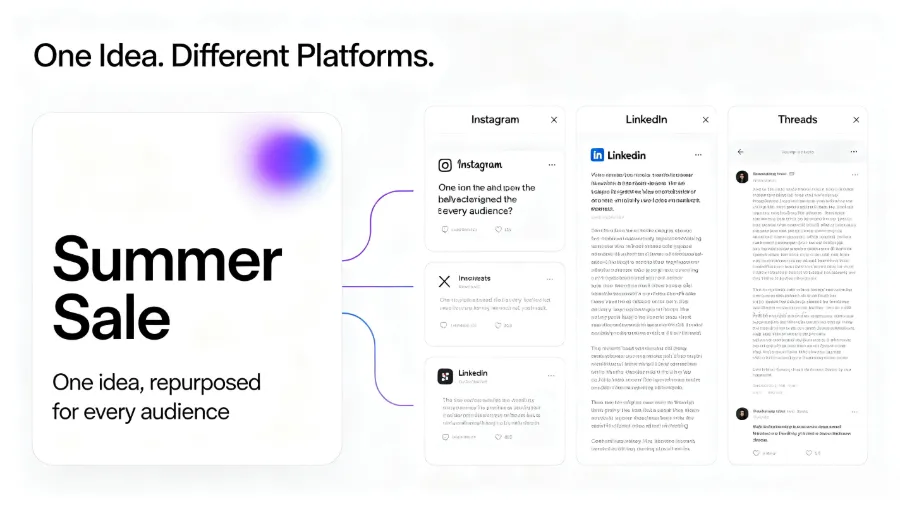
One point to note: different platforms have different canvas size requirements. Instagram favors a 1:1 square image, Pinterest prefers a 2:3 vertical image, and LinkedIn posts look best at a 1.91:1 ratio. When using the same template across platforms, duplicate it and adjust the canvas dimensions to avoid text being cropped or quality being reduced.
Fill the Publishing Calendar with Curated Content
Not every piece of content needs to be created from scratch. Industry news, user reviews, peer discussions—after filtering and organizing these external materials, you can form an information‑rich roundup post that consumes no creative energy while keeping the account active.
Aim to keep curated content at 30%–50% of your output. Over‑reliance on curation dilutes brand voice, while never curating can lead to gaps. A typical pattern is three original posts and two curated posts per week. If original production is tough in a given week, temporarily increase the curation ratio to maintain daily cadence.
Once curated content is in the calendar, think about streamlining its production workflow. If you’re interested, check out Two Ways AI Can Take Over Social Media, which discusses combining content collection with automatic publishing.
Cross‑Posting and Content Repurposing
You spend two hours making a horizontal product promo video. Publishing it on only one platform yields a low ROI. A simple trim lets the same horizontal video serve Instagram Reels, TikTok, and YouTube Shorts—almost no extra filming needed. Each platform only requires adjusting the video ratio and cover text; the rest can be reused.
Image content works the same way. A multi‑image LinkedIn post can be saved as a PDF for publishing, and the same set of screenshots can become Pinterest pins. The key is to identify the “core asset” and then adapt it to each platform’s format requirements. Reusing a single piece of content repeatedly is far more economical than creating everything from scratch.
Note that each platform has implicit stylistic expectations for copy. LinkedIn suits longer paragraphs and a formal tone; TikTok copy should be more conversational, short, and fast‑paced. Directly reusing the same text will degrade performance on each platform. If you’re dealing with official APIs or custom publishing logic, consult the Meta Developer Platform for interface limits to avoid crossing policy lines.
Eliminate Repetitive Tasks with Automation
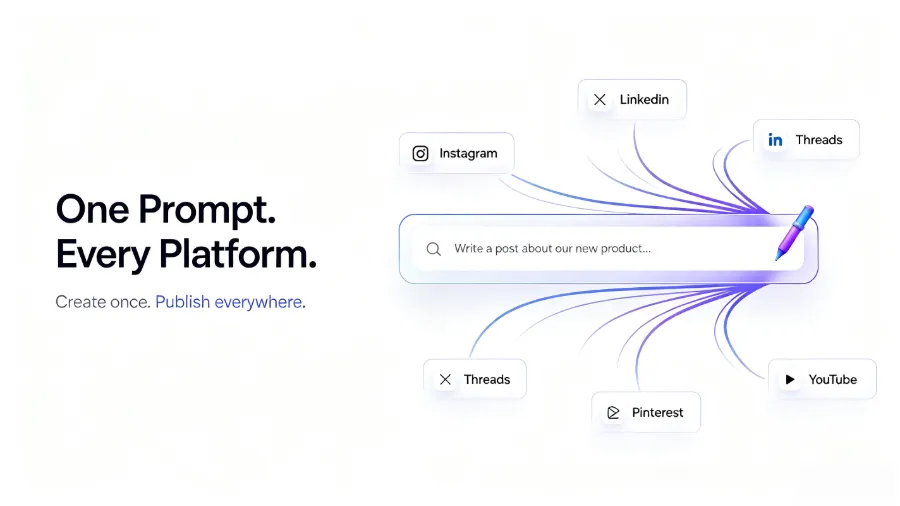
Scheduled publishing, auto‑reply in comment sections, AI‑assisted copy rewriting—these features can remove high‑frequency repetitive work from your to‑do list. Buffer’s free tier supports three channels and ten scheduled posts per month; the paid version costs $6 per channel per month, suitable for small teams. AI copy rewriting is valuable because you write a core copy once, and the AI automatically adjusts length and tone for each platform, saving minutes of manual editing.
Automation, however, shouldn’t be a full hand‑off. AI‑rewritten content can sometimes lose brand voice or blur compliance boundaries. For example, discount language may trigger marketing restrictions on certain platforms, and AI may not recognize those limits. Keep a human review step before publishing, especially during the early rollout of a new account, and spend a few days checking each post’s performance.
If platform publishing rules are opaque, refer to the Instagram Business Platform for content guidelines and avoid triggering rate‑limit mechanisms through improper API calls.
Consolidate Operations with a Social Media Management Tool
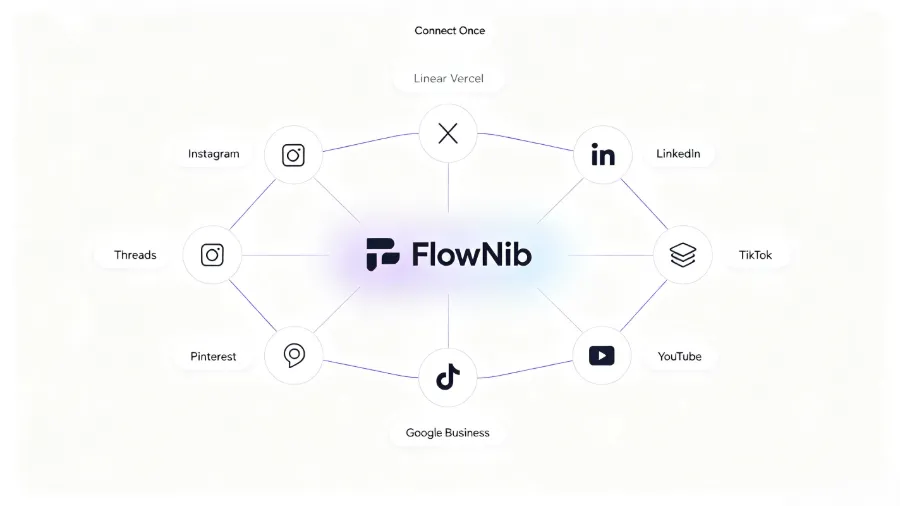
The methods mentioned earlier—templates, curation, cross‑posting, automation—still leave you switching tabs if they’re scattered across different tools. The real time‑saver is to bring all accounts into a single dashboard for scheduled publishing, message replies, and analytics. This is where Flownib fits into a workflow: it supports ten social platforms via official APIs, rewrites copy with AI, and pushes to all connected accounts with a two‑minute setup; API availability stays at 99.99%.
In practice, the biggest benefit of a unified dashboard isn’t “faster publishing” but “no password juggling.” You no longer need to log into each platform’s backend repeatedly, and you avoid the ten‑minute password‑recovery hassle when you forget an account’s credentials—these “switching costs” are micro‑frictions that accumulate into a substantial daily time loss.
Flownib’s free plan includes three accounts and six posts, suitable for trial use. If you only have one‑to‑one operational needs, the free version covers basic publishing. As the number of accounts and publishing frequency grow, paid plans are charged per channel, with a clear upgrade path.
| Tool | Free Limits | AI Rewrite | Scheduled Publishing | Multi‑Platform Support |
|---|---|---|---|---|
| FlowNib | 3 accounts, 6 posts | Supported | Supported | 10 platforms |
| Buffer | 3 channels, 10 posts/month | Not supported | Supported | 7 platforms |
| Hootsuite | 2 accounts, 5 posts/month | Supported in paid tier | Supported | 7 platforms |
For detailed limits and upgrade logic of the free plan, see the FlowNib Pricing and Feature Analysis, which compares use‑case scenarios across plans.
Gradually Add New Platforms to Avoid Diluting Effort
Every time a new platform appears, many jump straight to registering, updating avatars, and publishing—this impulsive approach often leaves all accounts stuck in a “quiet existence” phase. Algorithms favor consistent output; if you post only once a week on five platforms, each platform’s recommendation weight stays low.
A more pragmatic approach is to stabilize output on one core platform for 1–3 months, validate the content strategy, then replicate it cross‑platform. Add only one new account at a time; once it reaches a stable posting rhythm, launch the next. Prioritize platforms with the highest audience match rather than the largest user base.
The core of this expansion strategy is a “content loop”—three platforms’ content interlinks, forming a closed operational loop. If you’re building such a loop, refer to the collaborative approach described in Content Closed Loop: Three Independent Tools Working Together.
FAQ
Q: What’s the most time‑consuming step when managing multiple social accounts?
A: Adjustments before publishing take the most time—changing images, resizing, tweaking copy tone, adjusting tags, etc. Each piece of content averages 5–10 minutes to adapt across platforms, so five accounts cost 25–50 minutes. The actual publishing itself only takes 2–3 minutes.
Q: Can someone without design experience create reusable templates?
A: Yes. Tools like Canva offer many ready‑made templates; you just need to replace copy and images. The key isn’t design skill but recognizing which formats appear frequently and preparing basic layouts in advance.
Q: Could automated publishing violate platform policies or cause throttling?
A: There is risk. AI rewrites and auto‑publishing may trigger content rule checks, especially with discount terms, sensitive words, or duplicate content. Enable human review during the testing phase of a new platform and run a 2–4‑week trial to confirm no violations before fully automating.
Q: How to know when to upgrade from a free tool to a paid plan?
A: When you find the free tier’s publish limits increasingly restrictive, or you need to manage more than four accounts, a paid plan becomes more cost‑effective. For example, Buffer’s free version allows ten posts per month; if you publish more than three posts per week, you’ll run out quickly, and the $6 per channel per month paid tier is cheaper than buying separate tools.
Share Article


