
Multi‑Platform Publishing API Selection Guide: Comparing and Balancing Unified API vs. Native API
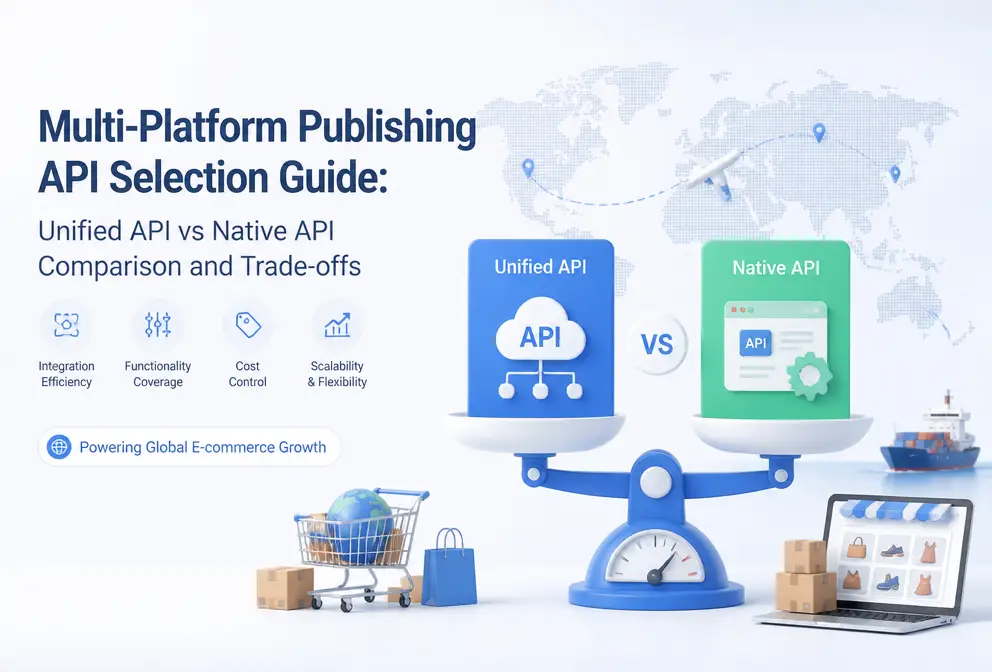
Whether you’re building a social‑media publishing tool yourself or creating an automated content workflow for a team, the real pain isn’t integrating a single platform—it’s handling eight, nine, or eleven platforms that each operate independently. Every time a platform updates its API protocol, your code may need to be rewritten, and this hidden maintenance cost is often severely underestimated at the project‑planning stage. This article starts from the real‑world friction of engineering implementation, compares the practical trade‑offs between unified and native APIs, and helps teams make a more accurate decision between “buy” and “build.”
Straightforward answer: If you only need to connect two or three platforms, native APIs are acceptable; but once you involve five or more platforms, the maintenance burden quickly becomes non‑trivial. A unified API wraps all platforms’ native interfaces behind a single endpoint, dramatically simplifying development and operations; native APIs offer maximum flexibility but require your team to continuously track changes for each integration line.
Core Differences Between Unified API and Native API: Single Endpoint vs. Multiple Integration Lines
A unified API works by inserting an intermediary layer between your application and the platforms. You send a single request to this layer, and it distributes the content to Meta, X, LinkedIn, TikTok, YouTube, Pinterest, Threads, Bluesky, and other platforms’ native interfaces. Native APIs require you to write, test, and maintain a separate set of integration code for each platform—ranging from Meta Graph API, X API, Linked API API to TikTok Content Posting API and YouTube Data API—meaning you must maintain 8‑11 independent integration lines.
| Comparison Dimension | Unified API | Native API |
|---|---|---|
| Number of platforms covered | One integration covers 9–30 platforms | One integration line per platform |
| Development timeline | Days to weeks | Weeks to months (depending on number of platforms) |
| Maintenance frequency | Vendor handles platform updates | Every platform change requires manual adjustments |
| Cost structure | Monthly or usage‑based fee | Most platform APIs are free; X is pay‑as‑you‑go |
| Response to platform updates | Vendor team handles it | You must monitor and fix yourself |
If you only need two or three platforms, native APIs are indeed sufficient. But once you exceed five, each line must independently handle rate limits, field changes, and retry logic—these tedious tasks accumulate engineering time far beyond your original expectations. When choosing platforms to integrate, first identify core channels, then assess whether a unified API can reduce the maintenance cost of long‑tail platforms.
Horizontal Comparison of Mainstream Unified Social‑Media APIs
Current market tools for unified publishing APIs each have their own focus. Buffer API’s free tier supports 11 channels: Instagram, Facebook, LinkedIn, TikTok, X, Threads, Bluesky, Pinterest, YouTube, Google Business Profile, and Mastodon. For individuals or small teams, this is almost the best zero‑cost starting point. Next is Ayrshare, whose Business plan costs $599 / month and targets enterprise‑level multi‑platform publishing. Postiz is currently the only open‑source option, supporting up to 30 platforms and can be self‑hosted, but all maintenance responsibility falls on you. Post for Me, Zernio, and Outstand each have their own coverage and pricing models.
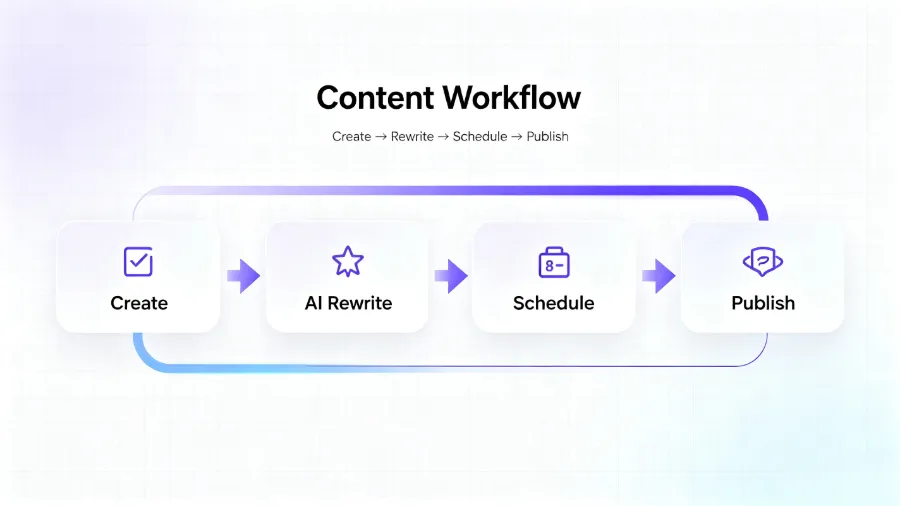
After Buffer API’s free availability, another noteworthy path is AI‑driven unified APIs—such as Flownib. Its distinction from traditional unified APIs is that it not only distributes content but also automatically rewrites it to fit each platform’s style and character limits. For teams managing ten social accounts simultaneously, this “create once, auto‑distribute to all platforms” capability further reduces manual adaptation work. For a detailed implementation flow, see the article on a complete “create once, auto‑distribute to all platforms” process.
How to Choose Based on Team Size and Business Needs
The first evaluation step is to see how many developers on your team can commit to ongoing maintenance. If you have only one backend engineer, maintaining eight native‑API lines is almost impossible—each line has its own authentication, field formats, and error‑handling logic. A unified API can shrink the development timeline from months to weeks.
Content volume is also critical. The engineering strategy for fewer than 100 posts per day differs completely from that for tens of thousands per day. At low volume, the free tier of native APIs is attractive; at high volume, X switched to a pay‑as‑you‑go model in February 2026, charging $0.20 per request for posts containing URLs, and this cost can balloon quickly. Threads is not yet open to all developers; if your publishing plan includes Threads, you must first verify integration feasibility.
Real‑world failure case: A cross‑border team directly integrated TikTok and Pinterest native APIs. Both platforms updated their interfaces simultaneously. In the early morning they discovered the entire publishing queue had failed; after a full day of troubleshooting they found a field‑format change—TikTok required the comment‑tag parameter to be an array, and Pinterest added a signed‑URL field for images. The fix took three days, and that week’s traffic dropped by about 40%. Such incidents are not rare; whenever a platform makes a non‑backward‑compatible update, your publishing flow is interrupted.
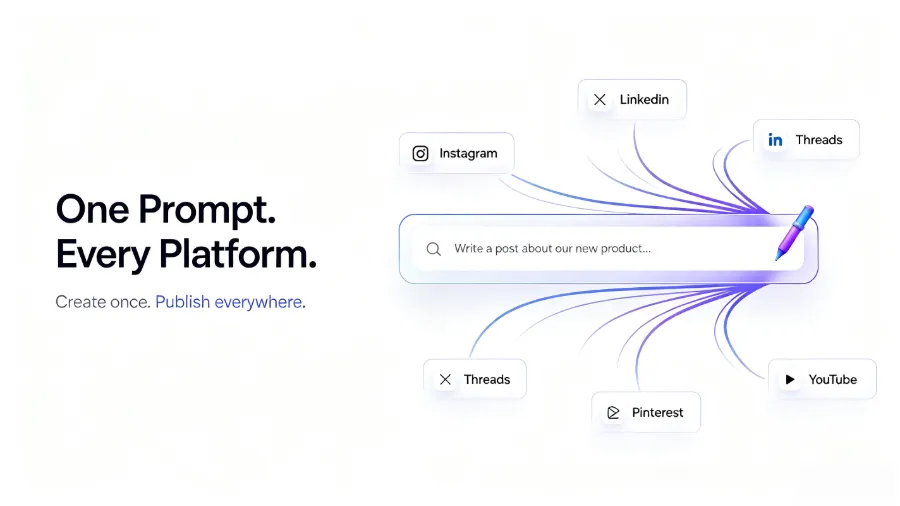
For teams aiming to launch multi‑platform publishing within 3–6 weeks, a unified API is almost the optimal choice. Conversely, if you need deep customization—such as integrating ad APIs, implementing fine‑grained content moderation, or controlling the exact output format of every request—native APIs are the only path. In some scenarios you can mix both: use native APIs for core platforms and a unified API for long‑tail platforms, with Flownib serving as an auxiliary tool for AI rewriting and distribution.
Deep Analysis of Cost and Hidden Maintenance Burden
Native APIs appear free, but the “free” entry ticket is often quietly eaten away by maintenance tickets and debugging sessions. Assuming a backend engineer costs $15,000 / month (including salary, benefits, and tooling), spending 20 % of their time maintaining eight native‑API integrations translates to $36,000 / year in labor cost. A unified API’s annual fee typically ranges from a few hundred to a few thousand dollars, making the difference stark.
More importantly is the concept of a “maintenance window.” Each time a platform updates, your publishing flow may be interrupted for hours or even days—just like the cross‑border team mentioned earlier, whose three‑day outage directly impacted that week’s social‑media traffic. The unified API vendor’s internal team shoulders this maintenance burden, proactively updating the middleware when platforms change, so your code rarely needs modification. This is the true value of a unified API: not just the convenience of the initial integration, but the “drift‑prevention” capability when cross‑platform interfaces evolve.
When evaluating API cost from a longer‑term perspective, refer to Flownib’s deep benchmark: “Why You Need AI‑Powered Distribution Cost Modeling in 2026.” After a horizontal comparison, you’ll see that native APIs’ hidden maintenance costs far exceed their explicit fees, while a unified API’s monthly fee buys certainty in engineering time.
Frequently Asked Questions
Does the unified API support all social‑media platforms?
No single unified API covers every platform. Mainstream solutions support 9–30 platforms, but niche networks such as Somee or Minds are typically excluded. Before choosing, verify the target platform list and confirm that the unified API covers your primary channels.
Are native APIs truly free? How significant is X’s pay‑as‑you‑go policy?
Except for X, most native APIs are free to access. After X switched to a pay‑as‑you‑go model in February 2026, each request containing a URL costs $0.20. If you publish hundreds of posts daily, this fee can quickly balloon. For content‑driven accounts, this may become a new budget line item.
If I only need to connect two platforms, is a unified API still necessary?
If both platforms have stable, long‑term APIs (e.g., Meta + LinkedIn) and you have development resources, native APIs are perfectly adequate. However, if you anticipate expanding to a fourth or fifth platform within the next three months, introducing a unified API from the start can save you from later refactoring.
Who bears the maintenance responsibility for Postiz as an open‑source tool?
All maintenance responsibility for the open‑source version of Postiz falls on the user. You must handle platform interface changes, security patches, and server operations yourself. The cloud‑hosted version is maintained by the Postiz team but requires a fee. Open source does not equal zero maintenance.
Can the latency and success rate of a unified API match those of native APIs?
Unified APIs typically add a few dozen to a few hundred milliseconds of extra latency at the middleware layer, which is negligible in most scenarios. In terms of success rate, unified API providers strive for high availability (e.g., 99.99 %). However, if the provider experiences an outage, all platforms are affected. Native APIs are independent; a failure on one platform does not impact the others.
Share Article


