
AI Social Media Automation: One Creation, All‑Platform Publishing Workflow in Practice

Cross‑border sellers need to post content every day on Instagram, X, LinkedIn, TikTok and other platforms. Manually rewriting copy for each platform, adjusting layout, copying and pasting can leave you unable to fill even a single platform in a day. Even worse, after a week of busy work you look at the data and discover that you missed two days of posting, and the traffic curve immediately turns downward.
This article does not discuss vague “marketing strategies”; instead it breaks down a practical workflow that takes content from generation to automated multi‑platform publishing. You don’t need to be a technical expert, nor spend extra money on freelancers. Just hand the repetitive work to a tool and give your time back to operational decision‑making.
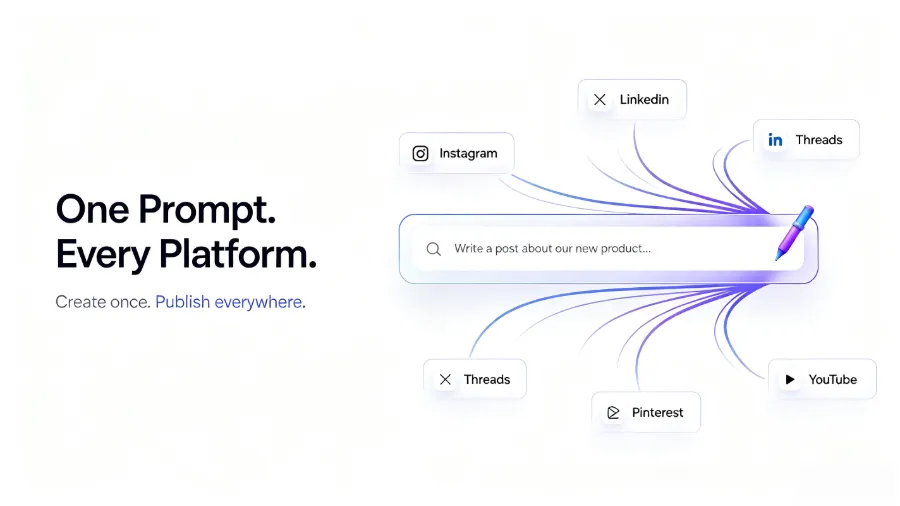
Why “Create Once, Publish Everywhere” Has Become a Must‑Have
Each platform has its own quirks. Instagram is visual, copy must be short and punchy; LinkedIn demands professional depth and preferably some industry insight; X (formerly Twitter) allows only 280 characters, so you need a hook to grab attention in the first three seconds; Threads needs a more relaxed conversational tone. You can’t use the same paragraph for all platforms, but writing a separate version for each is too time‑consuming.
The inefficiency of manual copy‑and‑paste isn’t just about being “slow.” You have to open seven or eight browser tabs, switch accounts back and forth, repeatedly check formatting, and verify that links are correct. One slip—pasting a long LinkedIn article onto Instagram—fills the comment section with “can’t read.” A single mistake can erode user trust.
The tension between posting frequency and quality is very real. You want to post three times a day, but your team has only two people. You want to fine‑tune copy for each platform, yet product selection, testing, and ad monitoring already fill the whole day. Many sellers don’t want to post; they simply get exhausted by manual posting and skip days. If you skip three days, the algorithm stops promoting you. Skip a week, and the interaction data you built up resets to zero.
Automation solves not “how good the copy is,” but “whether you can publish consistently.” Manage all platform accounts in one place, let AI automatically rewrite copy to match each platform’s style, and batch‑publish to ten channels while keeping brand tone consistent. According to industry data, a team can save 15 hours per week of manual publishing. Those 15 hours can be spent testing ad creatives or optimizing landing pages, yielding a much higher ROI than manual posting.
Two Automation Workflows – Choose the One That Fits You
There isn’t only one way to automate publishing. Depending on the tools you already use, there are two mainstream workflows you can pick.
Workflow 1: Generate Content with an AI Agent, then Publish via FlowNib Skill
If you already use AI Agents such as Codex, Claude Code, or Coze to write copy, you don’t need to change your creation process. Just integrate FlowNib’s publishing capability into your AI Agent, and after the Agent generates content it will automatically push it to all social platforms. The process is simple: enter creation request in AI Agent → Agent generates platform‑specific content → FlowNib Skill distributes to Instagram, X, LinkedIn, Threads, etc.
This path suits users who already have an AI workflow habit, such as teams that write weekly reports with Claude Code or automate processes with Coze. You don’t need to learn a new platform; just install a Skill and you can bring publishing capability into your workflow.
Workflow 2: Do Content Generation, Optimization, and Publishing Directly Inside FlowNib
If you don’t want to tinker with AI Agent configuration, or your team lacks technical expertise, handling the whole process inside FlowNib is easier. Enter a topic, product link, or a short description; AI automatically generates copy for each platform, you preview, set a schedule, and click to publish.
FlowNib supports more than 10 mainstream AI Agent platforms, including Codex, Claude Code, Coze, Dify, n8n, etc. No matter which tool you use, you can find a corresponding integration method. If you’re still unsure which to pick, see the article “How to Use AI for Fully Automated Cross‑Border Business Operations” for more detailed scenario breakdowns.
The core difference between the two workflows lies in control over the creation stage. If you need fine‑grained prompt tuning for your AI Agent, choose Workflow 1. If you care more about “quick launch, stable publishing,” Workflow 2 is the hassle‑free option.
| Workflow Type | Target Users | Core Steps | Learning Curve |
|---|---|---|---|
| FlowNib Skill Workflow (AI Agent users) | Users already accustomed to Codex, Claude Code, Coze, etc. | AI Agent creates → FlowNib Skill auto‑publishes | Low (just install the Skill) |
| FlowNib All‑in‑One Workflow (direct user) | Teams or individuals who don’t want to configure an AI Agent | Enter topic → AI generates → Preview → Publish | Very low (2‑minute setup) |
If you’re still stuck on how to start social media distribution for a cross‑border independent site, check out the 2026 guide “AI Global Social Media Distribution: How Delicious It Is for Independent Site Sellers,” which contains real‑world cases for sellers of different scales.
From Input to Publication: Four‑Step Fully Automated Process
Regardless of which workflow you choose, the core process consists of four steps. Below is a breakdown of each step.
Step 1: Input Topic or Material
Just tell the AI what you want to promote. It can be a product link, a keyword, or even a one‑sentence description, e.g., “New summer dress, first order 20 % off.” The AI will infer your product’s selling points and target audience from this input. No need to write a full copy, think about formatting, or decide which platform to post on.
Step 2: AI Automatically Generates and Optimizes Content
This is the most critical step. The AI rewrites the content according to each platform’s characteristics. LinkedIn copy becomes professional and data‑driven, with industry terminology; X’s version is compressed into a short, hook‑filled tweet with a hashtag; Instagram copy focuses on visual guidance, adding emojis and line breaks; Threads’ version is more conversational, like a chat between friends.
AI rewriting is not a simple “translation”; it restructures the content based on platform traits. Many underestimate this before using it. If you’re not satisfied with the rewrite, adjust the prompt or manually tweak it. FlowNib provides a more detailed technical guide on “How AI Automatically Rewrites One Piece of Content and Distributes It to Ten Social Platforms.”
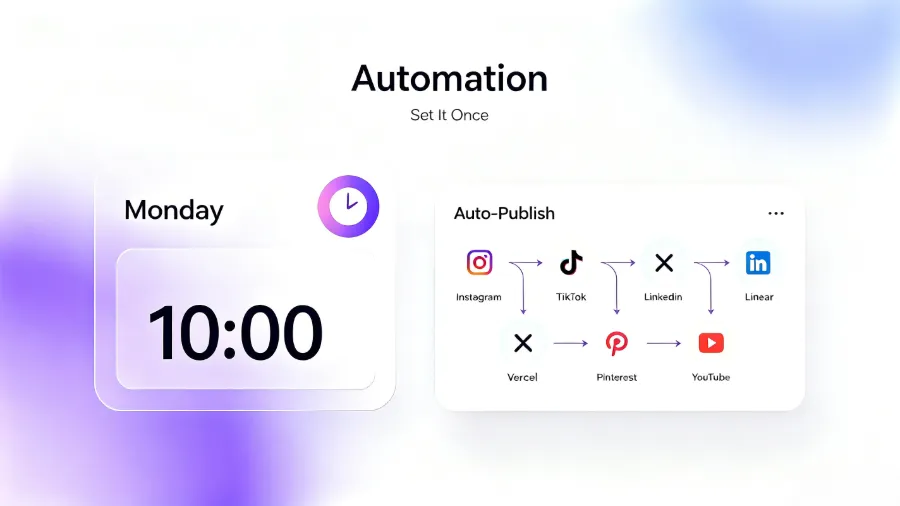
Step 3: Preview and Schedule
After the AI finishes rewriting, you’ll see a preview for each platform. This is the moment to verify copy, links, and images. You don’t need to open each platform individually; all previews are consolidated in one view.
For scheduling, you can either pick a time manually or let the AI recommend the optimal slot based on audience activity data. For cross‑border sellers, time zones are a headache. Your audience may be in North America, Europe, and Southeast Asia, each with different peak times. AI scheduling automatically staggers posts to avoid bombarding all platforms at the same moment.
Step 4: One‑Click Publish to All Platforms
When everything looks good, click the publish button and all platforms push the content simultaneously. No need to log in one by one, no copy‑and‑pasting, no worries about missing a platform. After publishing, all records are stored in a content calendar.
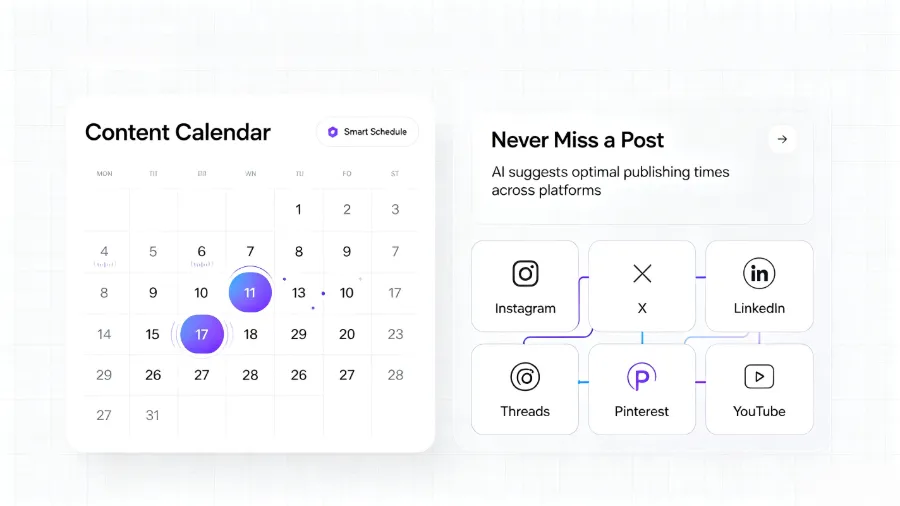
The content calendar is the core management tool after publishing. You can see which posts are live, which are queued, and how each platform’s engagement looks. If a post underperforms on a specific platform, you can adjust the strategy promptly. Cross‑platform performance comparison also helps you decide which channels deserve more resources.
The entire setup takes on average only 2 minutes: connect accounts, configure publishing channels, set times—three steps. For a more systematic learning path, refer to Buffer’s resource center on social media management methodology; the operational logic is universal even if the tools differ.
Common Pitfalls in Automated Publishing and How to Handle Them
Automation isn’t “set it and forget it.” Those who have stumbled know that the value of automation lies in stability, which requires ongoing maintenance.
Brand Tone Inconsistency After Rewrites
This is the most common pitfall. After AI rewrites, the copy sometimes drifts from your brand’s original tone. For example, your brand may use a light‑hearted, humorous voice, but the LinkedIn version becomes overly formal, like an academic paper. The solution is to fine‑tune the prompt. Provide the AI with 3‑5 examples of your best past copy and explicitly tell it to “maintain this style.” If that still doesn’t work, manually adjust during the preview stage. Don’t expect perfect results on the first try; a few iterations are usually needed.
API Limits or Failures Across Platforms
Each platform’s API has its own rate limits and error codes. Instagram’s API enforces strict image‑size requirements; X’s API sometimes returns a 429 throttling error. If your automation flow lacks error‑handling, a single API failure can halt the entire publishing chain.
FlowNib’s API uptime is 99.99 %, but a 0.01 % failure rate still exists. Set up failure notifications so you know immediately which platform had an issue and can manually repost. Don’t wait until the next day’s data reveal that yesterday’s X post never went out. Hootsuite’s blog contains many practical experiences on multi‑account management and API exception handling.
Conflicts Between Scheduled Posts and Content Calendar
If you use multiple tools to manage a content calendar, duplicate posting is easy. For instance, you schedule a post for next week in FlowNib, but a teammate manually posts the same content on Instagram’s native app. The same content appears twice on the same day, and followers think you’re lazy.
The remedy is a single management entry point. All scheduling and publishing should be done through one platform; avoid mixing tools. If multiple team members collaborate, set up an approval workflow to prevent duplicate actions.
Permissions and Ownership in Multi‑Account Management
When you manage several brand accounts, permission issues become complex. Operator A handles Brand 1’s Instagram, Operator B handles Brand 2’s LinkedIn. If permissions aren’t clearly divided, A might accidentally post Brand 1’s content to Brand 2’s account.
Create separate workspaces for each brand within the automation platform and assign distinct role permissions. Set up a secondary confirmation before publishing, especially for cross‑brand content; an extra reviewer can catch low‑level errors.
Automation Is Not “Set It and Forget It”
This is the most important realization. Automated publishing needs regular checks and optimizations. Spend 15 minutes each week reviewing publishing logs: look for failed tasks, abnormal data spikes, or a decline in AI rewrite quality. If a platform’s engagement rate drops for two consecutive weeks, it could be a sign that the AI rewrite strategy needs adjustment, or that the platform’s algorithm has changed.
One team’s pitfall: after setting up automated publishing, they stopped monitoring. Three months later, they discovered Instagram posts were still being published but engagement was almost zero. Investigation revealed that the AI‑generated copy had an overly high keyword density, causing Instagram to flag it as spam and limit its reach. The root cause wasn’t automation itself, but the lack of periodic review.
FAQ
Will automation affect the personalization of my content?
It depends on how you set it up. AI rewriting retains the core information and brand tone you provide, but if you intervene nothing, the output may become generic. Include brand‑style guidelines in the prompt and review each platform’s version during the preview stage. Personalization isn’t the opposite of automation; it just requires a few minutes of AI coaching.
If one platform’s API fails, will it affect the others?
No. Each platform’s publishing is independent. If Instagram’s API is down, LinkedIn and X will still publish. Failed tasks are logged, and you can manually repost. The only risk is if you haven’t set up failure notifications, you might not notice until the next day.
How many posts can the free plan publish?
The free plan allows 3 social accounts and 6 posts. It’s sufficient for individual creators testing the automation workflow. If you need more accounts or higher posting frequency, upgrade to a paid plan.
Can I manage multiple brand accounts simultaneously?
Yes. Paid plans support unlimited social media accounts. You can create separate workspaces for each brand within the same dashboard; accounts, content, and schedules are isolated. Assign different role permissions per brand to avoid content confusion.
Do I need technical background to set up automated publishing?
No. If you choose the all‑in‑one workflow, the entire setup takes about 2 minutes: connect social accounts, enter content topics, select platforms and schedule. No coding or API configuration is required. If you opt for the AI Agent workflow, you’ll need basic tool‑configuration skills, but FlowNib Skill’s installation and integration have been simplified to a few steps.
Share Article


