
How Many Posts per Day Are Optimal on Different Platforms? Practical Guide to Scheduled Posting Parameters and Posting Frequency
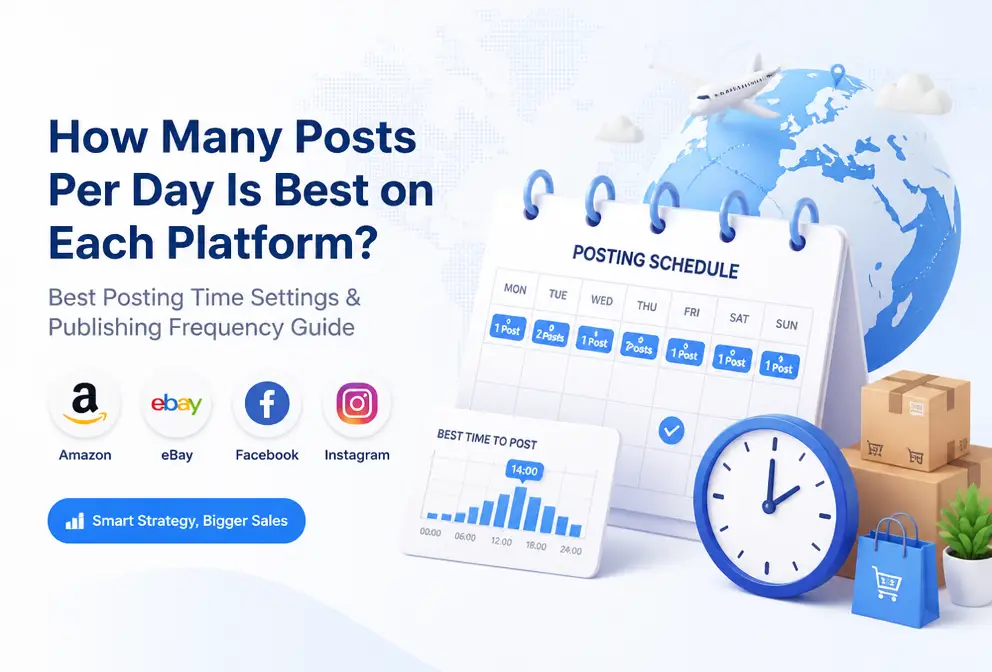
People who do cross‑border operations have all experienced this tug‑of‑war: they want to increase visibility, but they fear posting too often will get them blocked by users or deprioritized by the platform. There is no universal answer, but each platform does have a “ceiling” — beyond this number, engagement drops noticeably, and hidden throttling may be triggered. TikTok can still run normally with 5 posts a day, while LinkedIn’s limit that most users can tolerate is already 1 post a day. Below is a set of empirically verified reference data and specific ways to adjust scheduled posting parameters.
“Ceiling” Reference for Posting Frequency on Each Platform
Each platform’s content consumption scenario is completely different, which determines its content capacity. TikTok is a high‑frequency video‑browsing entertainment scenario; users’ attention shifts quickly, and a piece of content is swiped away within seconds. The algorithm also likes to test a lot of new content to find hits. LinkedIn is the opposite — users open it to browse professional updates and industry opinions, so each piece needs higher informational density; posting frequently is seen as “spam” and can be reported.
The table below summarizes the relatively safe posting frequency ranges observed in practice:
| Platform | Recommended Daily Posts | Recommended Weekly Posts | Core Limiting Factor |
|---|---|---|---|
| TikTok | 3‑5 | 15‑25 | High‑frequency consumption > algorithm testing cost |
| 2‑3 | 10‑15 | User fatigue in mixed story/post scenario | |
| 1‑2 | 5‑10 | Algorithm demotion, user aversion to over‑updates | |
| X (Twitter) | 3‑5 | 15‑25 | Fast news‑feed turnover, not averse to multiple posts |
| 0.5‑1 | 2‑5 | Professional content consumption, low‑frequency high‑quality is best | |
| 5‑15 | 20‑50 | Board‑style recommendation model tolerates high volume | |
| YouTube | 0.14‑0.28 | 1‑2 | Long‑form serious content, low‑frequency high‑quality |
| Threads | 2‑4 | 10‑20 | Real‑time conversational content, moderate‑high |
| Google Business | 1 per week | 4 per month | Local search scenario, extremely low frequency |
| Bluesky | 2‑4 | 10‑20 | Emerging platform, small user base |
Here is a real “crash” case. Last year a B2B‑tool content creator kept a steady 1 post per day on LinkedIn, with engagement around 3 %. One month he increased to 3 posts per day; content quality didn’t drop, but after two weeks engagement fell to 1.8 % and several users reported it as spam. The issue wasn’t the content—it was the platform algorithm and user perception giving negative feedback. Frequency adjustments can’t look at the ceiling alone; you must also consider users’ expectations for “how many times this account should appear per day.”
Core Method for Scheduling Parameters: Stop “Just Picking a Whole Hour”
The first mistake most people make when scheduling is to pick whole‑hour times — 9:00, 12:00, 15:00. Whole hours are the habitually set times for most people and also the most crowded posting slots. Your post gets buried instantly among dozens or hundreds of other posts, reducing the chance a user sees it.
Empirical data shows that non‑whole‑hour timestamps (e.g., 9:12, 14:47) yield about 15‑20 % higher average engagement than whole‑hour posts. It’s not just “avoiding competition” — the key is that when a user scrolls past a non‑whole‑hour post, there are fewer surrounding timestamps, so attention is less fragmented. That content occupies a cleaner, though shorter, window of the user’s focus.
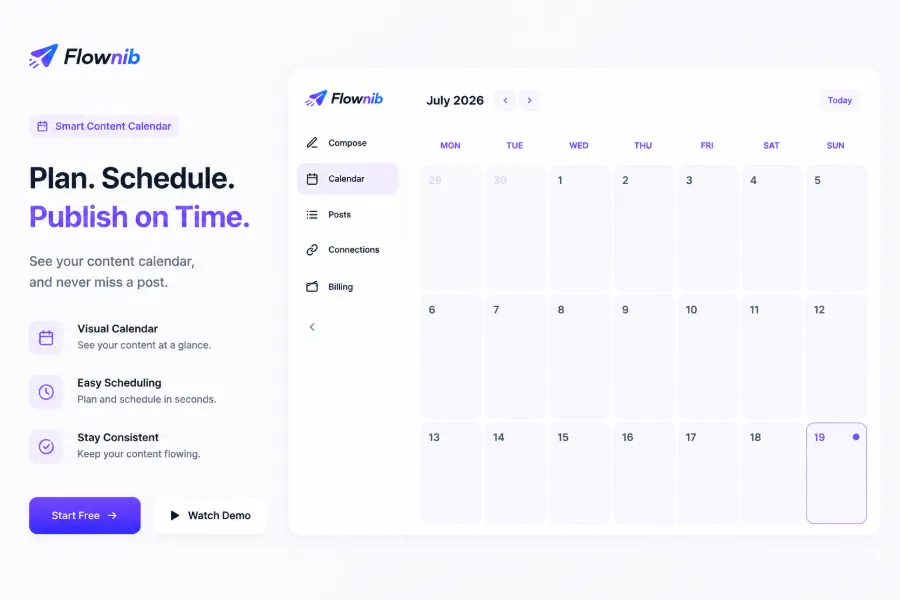
Three key parameters for scheduled posting:
Posting time window – Don’t just think “9 am” or “8 pm.” Open your scheduling tool or the platform’s analytics panel and find the active‑time distribution of your audience — not the platform’s overall data. Different industries have very different active windows; a B2B account may peak at noon‑2 pm, while an e‑commerce account’s conversion peak is usually 8‑11 pm.
Spacing strategy – When posting multiple pieces on the same platform in one day, keep at least a 2‑3‑hour gap. TikTok can handle 5 posts a day, but don’t dump them within 10 minutes. The algorithm spreads the 5 pieces across different time slots for testing, and users won’t see them all in one scroll. Poor spacing creates self‑induced fatigue.
Cross‑timezone handling – If your audience spans multiple time zones, don’t use a single timestamp. The simplest approach: set a posting window for the two time zones with the highest audience share. For example, if 30 % of users are on Eastern US and 25 % in Europe, schedule one post for each zone. If your tool supports automatic timezone conversion, use it; otherwise, convert manually once and save the schedule for reuse.
From “Write One” to “Publish Ten”: One Creation, Multi‑Platform Automatic Adaptation
Content reuse is the key to increasing frequency without adding creation burden. But “reuse” is not copy‑and‑paste — each platform has its own character limits, visual ratios, and tone. A TikTok video caption may be 15 characters plus a few hashtags, while the same topic on LinkedIn requires a 300‑word industry insight. Directly pasting yields content that users instantly recognize as “reposted,” and engagement drops sharply.
In practice, the workflow looks like this: start with a full version (e.g., an 800‑word article or a 2‑minute script), then break it down per platform. TikTok and Threads keep the core 1‑2 points plus a call‑to‑action; Instagram gets an image with a short description; LinkedIn retains the full logic but compresses to 300‑500 words; X (Twitter) becomes a 3‑5‑tweet thread.
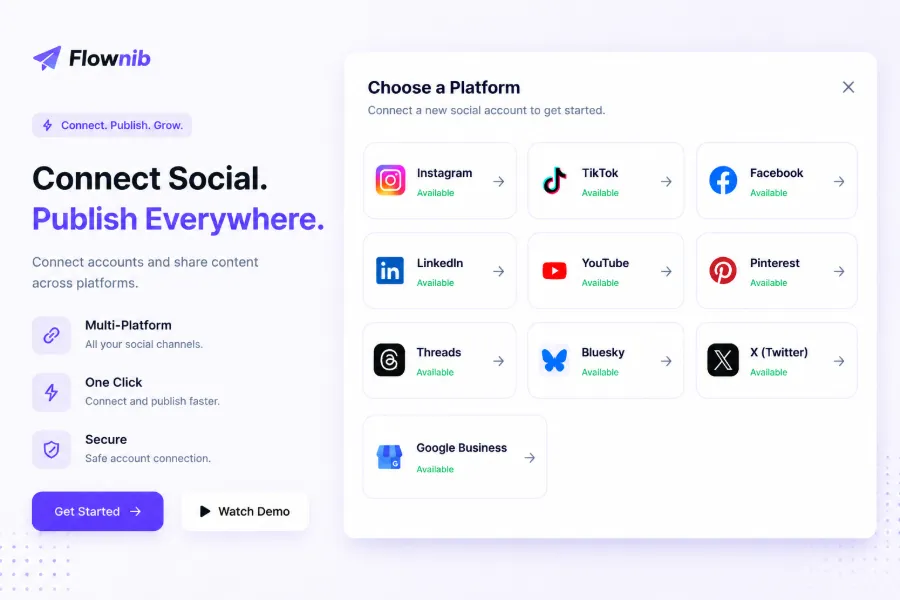
In this workflow, Flownib automates the “break‑down and adaptation” step. You input one piece of content, the AI rewrites it according to each platform’s style and character limits, then publishes it at the times you set across all connected accounts. No need to bounce between five tabs or manually adjust wording for each post.
After cross‑platform reuse, a single piece of material can live 2‑3 days — today on TikTok and Threads, tomorrow on Instagram and LinkedIn, the day after on X and Facebook. The underlying content is the same, but each platform sees an adapted version, avoiding duplication fatigue.
Maintaining the Rhythm After Scheduling and Publishing
Once scheduled posting is set up, the work isn’t finished. Publishing is only the first step; ongoing operational rhythm maintenance determines long‑term results.
First, monitor comment feedback. Scheduling tools don’t reply for you. If a post receives many comments within two hours and you don’t respond, its engagement will drop quickly. The algorithm interprets “no effective interaction” and reduces future push weight.
Second, fine‑tune frequency based on interaction data. About 30 % of scheduled content needs frequency adjustment within a month. For example, after posting 3 times daily on TikTok for three weeks, you notice two videos get <500 views while another hits 50 k. The issue isn’t “keep posting 3 per day” but analyzing why those two low‑view pieces performed poorly — wrong timing, mismatched content type, etc. Adjust frequency based on data rather than rigidly following the schedule.
Third, handle publishing failures or platform API issues. Scheduling relies on platform APIs, which occasionally fail — auth expiration, rate limits, content being blocked by moderation. These won’t auto‑repair in the scheduler. If you don’t habitually check post‑publish status, you might discover a week later that a piece never went live. Flownib’s calendar log tracks each post’s status, making it easy to pinpoint failures and manually repost or adjust.
A often‑overlooked detail: when you post high‑frequency content on the same platform, users may not block you, but the algorithm may silently lower the weight of your future posts. This isn’t an explicit throttling notice, but you’ll see engagement decline while content quality stays the same. This phenomenon is common on Facebook and Instagram — the algorithm decides “this account’s posting frequency is too high, reduce its feed priority.” So even if a platform allows 5 posts a day, you don’t have to fill all 5 slots. Keep some buffer for both yourself and the algorithm.
For LinkedIn frequency recommendations, see the LinkedIn Official Marketing Solutions guide. For a detailed cross‑platform reuse workflow, check the article “How to Use Flownib for Cross‑Platform Content Reuse”. If you mainly use Facebook, the Facebook Scheduled Posting Full Guide offers specific parameter settings.
FAQ
Q1: Posting just once a day doesn’t work—am I being throttled?
Not necessarily. First check the content itself — are the engagement rates of recent posts dropping? If so, the issue may be content quality or topic, not frequency. If quality is unchanged but reach suddenly halves, investigate whether you triggered a content‑review rule or received user reports. LinkedIn and Facebook are sensitive to “low‑frequency but low‑quality” situations; a single post with very low engagement can affect the exposure of subsequent posts.
Q2: Should new accounts and old accounts have the same posting frequency?
No. New accounts should start at 60‑80 % of the lower bound for the first two weeks. For example, a new TikTok account can post 2‑3 times daily, not jump straight to 5. New accounts lack historical interaction data, and the algorithm needs time to build trust. High‑frequency posting early on can be flagged as “bot behavior.” Established accounts with stable engagement can gradually increase toward the upper bound.
Q3: How long should I wait between posting the same content on different platforms?
Preferably more than 24 hours. Posting the same piece on multiple platforms the same day can cause duplication fatigue for users who follow you on several platforms. A better approach: TikTok today, Instagram tomorrow, LinkedIn the day after. This keeps the content fresh on each platform and gives each post a sufficient exposure window.
Q4: Do I need to set posting times separately for each timezone?
If your audience is concentrated within two timezones, a single timezone covering the majority is fine. If you span three or more timezones, group them and set a separate posting window for each group. Most scheduling tools support automatic timezone conversion per account; use that feature instead of manual calculations.
Q5: I chose non‑whole‑hour times but the data is still poor—what’s wrong?
Non‑whole‑hour posting only reduces competition; it’s not a cure‑all. First verify that your chosen times overlap with your audience’s active periods—use the platform’s analytics to see when your followers are online. If the timing is within the active window yet performance is low, the issue likely lies in the content itself: unappealing headline, weak thumbnail, or mismatch with audience expectations. Address those factors before blaming the posting time.
Share Article


