
From Manual Publishing to Automated Workflows: A Practical Path for Multi‑Platform Social Media Distribution
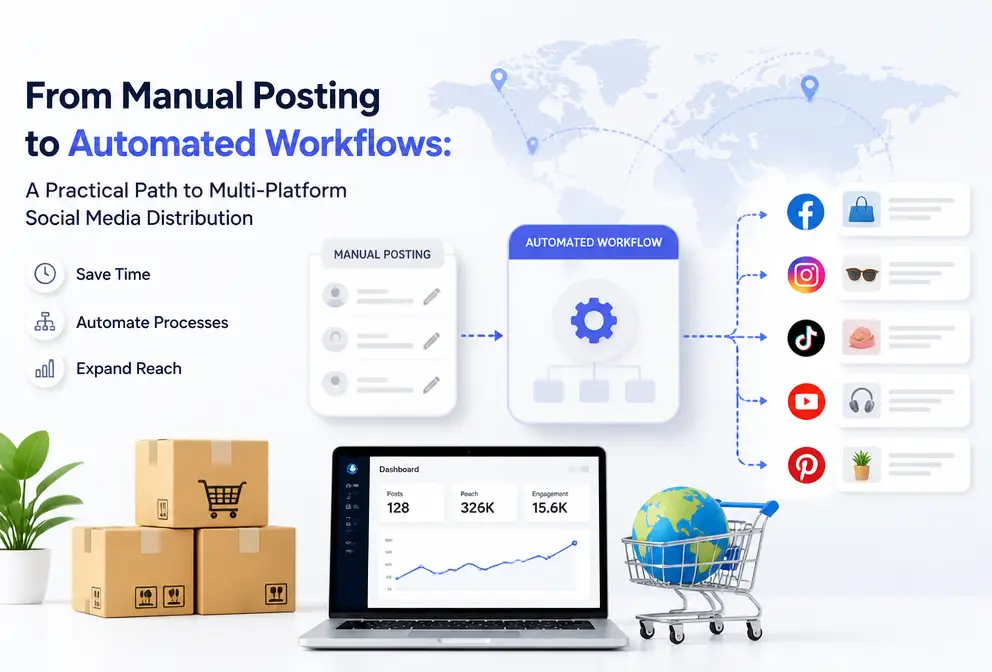
Anyone who has managed cross‑border social media knows what it feels like to repeatedly copy and paste content between Instagram, LinkedIn, and X (Twitter) every day. It’s not as simple as copying—each time you switch platforms the formatting breaks, links may break, and the publishing time is often off by a few hours. One team’s statistics show that a single operation specialist spends close to two hours each day on manual distribution, not counting the interaction loss caused by delayed posting.
This article does not discuss “why automation is needed” – a well‑trodden argument – but instead focuses on building a practical workflow that takes content from creation to multi‑platform distribution, solving the repetitive labor that most operators dread.
Build a Content Hub: Create Once, Cover All Channels
The simplest operating principle is: let every post you make on each platform originate from the same piece of content. It sounds easy, but achieving this requires abandoning the habit of “writing a separate post for each platform” at the organizational level.
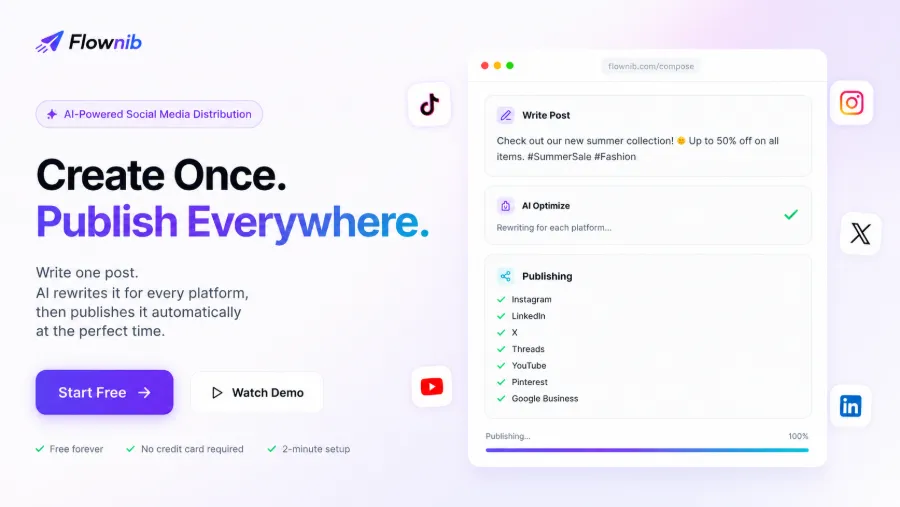
The concept of a content hub, in plain terms, is to write the original content at a single entry point and let the system adapt it for each platform. You don’t need to type a block of text on Instagram, then reorganize it for LinkedIn, then compress it for X. All platforms share the same content master; the differences and adaptations are handled automatically by the workflow.
Why stress consistency? Not just for brand tone—although that’s important—but because manual operations cause publishing instability that is far more serious than imagined. A fashion‑brand team once shared their experience: a colleague accidentally posted a LinkedIn‑style business brief on an Instagram Story, and they received dozens of comments that day asking “Did your account get hacked?” The risk to brand consistency is more worth attention than saving two hours.
Building a content hub also tackles another real issue: collaboration cost. When three people fill the content calendar simultaneously—one using Excel, another Notion, another messaging in a group—the whole process becomes a massive information black hole. The content calendar isn’t a decorative add‑on; it should be the single entry point for all publishing actions. Setting it up takes about two minutes, but the communication time saved far exceeds that.
AI Rewriting and Adaptation: Solving Format and Tone Differences Across Platforms
Once you have a content hub, the next unavoidable question is: how does the same paragraph fit X’s 140‑character punch, LinkedIn’s professional depth, and Threads’ conversational feel?
AI rewriting isn’t just “translation” or “shrinking.” If you’ve ever seen an automation tool that slashes an 800‑word LinkedIn analysis down to 280 characters for X, you’ll understand why most tools can’t do this well. True adaptation means re‑understanding the content’s intent, platform culture, and audience expectations. The same announcement “We launched a new product” needs technical detail and industry value on LinkedIn, a provocative insight on X to spark discussion, and a visually‑first concise copy on Instagram—each language system is completely different and should not share a single version.
Flownib handles this step by breaking the original content into core information, emotional tone, and call‑to‑action, then recombining them according to the characteristics of ten supported platforms. After receiving the rewritten results, you can preview each platform’s version before publishing, rather than discovering formatting errors after the fact. If you’ve been puzzled why automatically rewritten output often feels off, look at how other teams solved the same problem—see the discussion on the 2026 cross‑platform content stack practice, which clearly explains tool selection and implementation.
Of course, the quality of AI rewriting depends on training data and depth of understanding of platform culture. Instagram Reels copy rhythm and LinkedIn article formatting grammar are entirely different. Some tools simply compress word count and claim multi‑platform support, but users end up with a jumble of nonsensical short sentences. That is the watershed between good AI rewriting and a bad one.
Publishing Scheduling and Automation: From Timed Sends to Tracking
Content is ready, rewriting is done, now comes the publishing stage. The most common problem here is that you have ten posts waiting to go out, but each platform has a different optimal publishing time.
One‑click distribution is very simple: a single click publishes to all connected accounts simultaneously.
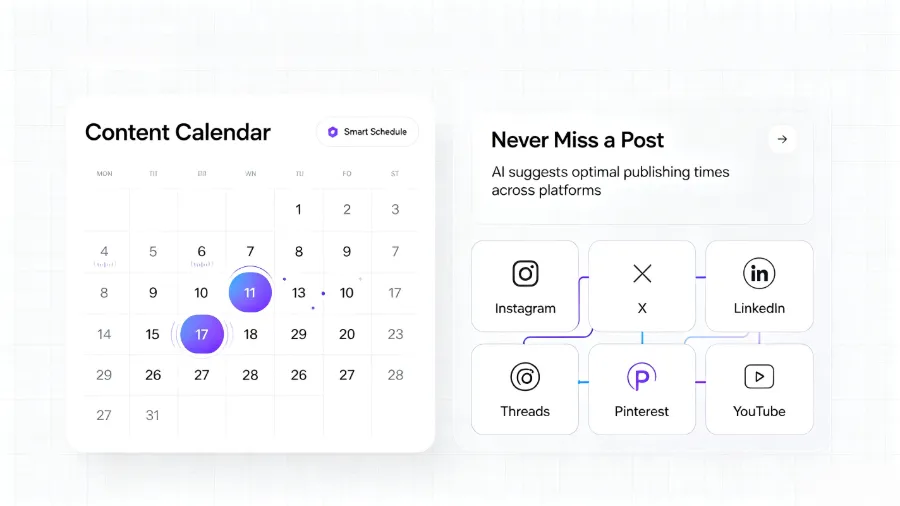
The visual layout of the content calendar arranges published and pending posts on a timeline, allowing you to see weekly content density and platform coverage at a glance. A often‑overlooked detail: many teams fill the calendar completely but forget to leave emergency slots—when an urgent post needs to be inserted, there’s nowhere to put it, and operators fall back to manual publishing. Reserving 15–20 % of the schedule for flexibility keeps you on rhythm during unexpected events. A previous detailed comparison of different scheduling tools, covering operational costs and platform compatibility, can serve as a reference for selection.
Design a Workflow That Fits You: Direct Tools vs. AI‑Agent Extension Mode
After the content generation and publishing pipeline is up and running, the next practical question is: which workflow model should you choose?
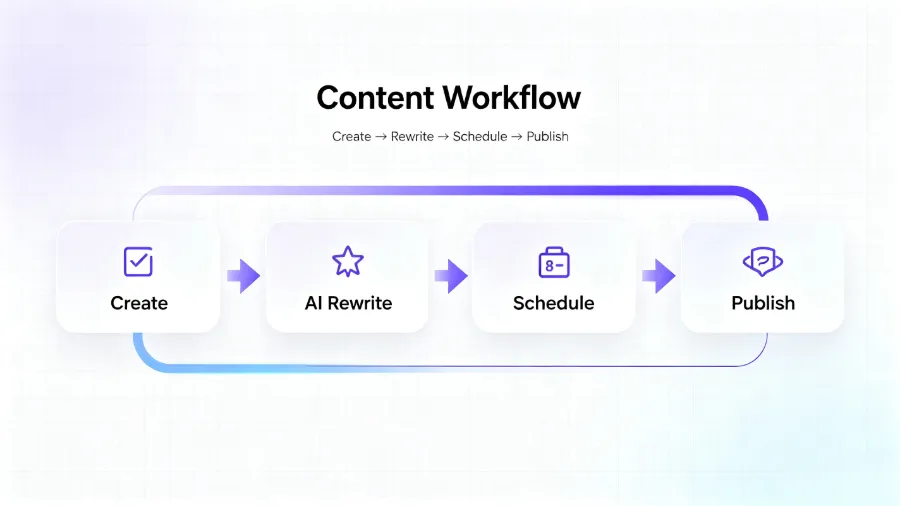
The first model completes the entire process—from creation to publishing—directly on the platform. This suits creators and brands that don’t want to set up an additional AI agent. You input a topic or assets, the AI generates content, you preview, tweak, and publish—all without leaving the platform. The learning curve is low, and there’s no need to understand agent workflow concepts.
The second model integrates publishing capability into an existing AI agent via a Skill. If you already use Codex, Claude Code, Coze, Dify, or similar tools for content creation, extending publishing into that environment is the most natural choice—retain your familiar creation environment while gaining automated distribution. When Flownib reappeared the second time, the discussion centered on tool friction: after a month of running your content generation inside a particular agent, you suddenly need to outsource publishing to another system, and the integration cost is often underestimated.
A common failure point: many teams initially choose the AI‑agent model, overestimating their ability to manage the agent workflow, leading to a break between generation and publishing. A cross‑border e‑commerce team reverted from “fully automated” to manual within two weeks because a complex multi‑step instruction chain in their AI agent crashed whenever a special character appeared in the content. They only discovered the blockage on day three. The key issue was not correctly assessing whether the team could maintain the AI agent and whether they were willing to bear the early‑stage experimentation cost.
If you’re unsure which model fits, a practical approach is to run the direct model for two weeks; once publishing frequency and content quality stabilize, decide whether to migrate to the AI‑agent extension. The two models can be combined; flexibility is more important than the order of choosing an all‑in‑one solution. If you’re interested in full‑pipeline tool collaboration, there’s a standalone case study covering SEO to publishing that shows how teams combine these capabilities. Additionally, Buffer’s official resource library contains plenty of practical social‑media strategy content that can supplement your workflow.
FAQ
Which types of teams benefit from a social‑media automation workflow?
Any team that publishes original content on more than two social platforms daily, and spends more than three minutes per post copying and pasting, should consider automation. It’s especially suitable for cross‑border e‑commerce teams, agencies, and content creators, who typically maintain 3–10 different platform accounts simultaneously.
I already use an AI agent for content creation—do I need to change my workflow?
No. You can integrate publishing capability into your existing AI agent and call multi‑platform distribution directly from it. Continue using Codex or Claude Code for creation; the publishing step will trigger automatically without switching to a new interface. Just be sure to assess your team’s ability to maintain the agent workflow to avoid interruptions caused by configuration complexity.
How are timeliness and accuracy of automatic publishing ensured?
We connect directly to each platform’s official API, which has an availability of over 99.99 %. Publication timing is accurate to the second. If a platform experiences a temporary outage, the system retries within five minutes. Every post has a traceable record, including actual publish time, engagement data, and status, making it easy for operators to track anomalies.
Share Article


