Manual Posting vs FlowNib AI Distribution: How Much Time Can Overseas Teams Actually Save?
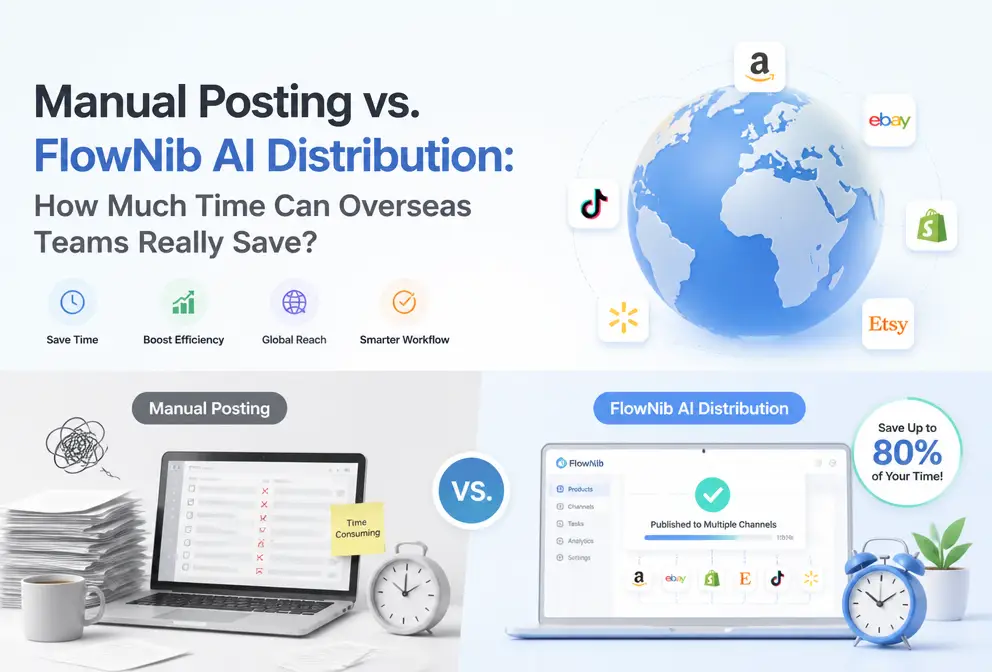
Every morning I open Chrome and line up four tabs—Instagram, LinkedIn, X, Facebook. I copy the product copy I wrote last night, delete the extra tags on Instagram, add industry hashtags on LinkedIn, trim it to under 280 characters on X, and adjust the image ratio on Facebook. When I’m done, the clock reads 9:47 a.m. The golden two hours of the morning are gone. This isn’t an exaggeration; it’s the real rhythm I’ve been running for eight consecutive months.
Let’s do the math: suppose you manage five platforms, posting three pieces of content per day, and each piece takes about five minutes per platform to handle formatting, tags, and image sizes. Manual work totals 75 minutes per day, about 8.75 hours per week. Over a year that’s 455 hours—nearly 19 full working days. The saved time is enough to binge two seasons of a web series and still finish the second season’s subtitles.
The Hidden Time Cost of Manual Posting
The most exhausting part of manual posting isn’t the operations themselves; it’s the attention loss from “task switching.” You think copy‑pasting takes 30 seconds, but the real cost is far higher.
A typical manual posting workflow looks like this: write a draft, switch to Instagram, paste the copy, adjust formatting, change the image, preview, and publish. Then switch to X, repeat the process, but X has a character limit, so you have to reorganize the language and compress keywords. Next comes LinkedIn, where the style can’t be too casual and you need to add industry terms. Then Facebook, which has different formatting requirements. Finally, Pinterest, where you must create a separate long‑image.
Each platform switch requires about 15 minutes for the brain to re‑orient. This isn’t something I made up; it’s a classic finding from cognitive psychology about “task‑switching cost.” After posting on Instagram this morning, I went to grab a coffee; when I returned to the LinkedIn draft, I’d forgotten the title I wanted to use—this happens at least twice a week.
The differing format requirements across platforms make things even worse. Instagram’s character limit is 2,200, but best practice is under 150; X limits 280 characters, yet tests show 120–140 characters get higher engagement; LinkedIn recommends a header image of 1,200 × 627 px, while Pinterest’s pin size is 1,000 × 1,500 px. Each of these details must be remembered and adjusted individually.
Another often‑overlooked issue is the exposure dip caused by the lack of a unified schedule. Manual posting means you can only post when you have free time—usually at 9 a.m. or 3 p.m., while your target audience might start scrolling at 8 p.m. Your content often sinks to the bottom of the feed, missing the optimal interaction window.
During a Black Friday promotion, I manually pasted the discount code to five platforms and then went to lunch. When I returned, someone on LinkedIn asked, “Is this code valid until December 25?” I hurried to check the draft—when copying the old draft, I had pasted the Black Friday discount as a Christmas code. That post stayed on LinkedIn for three hours before I noticed, and at least 12 people saw the wrong promotional information. This mistake wasn’t carelessness; it was an inevitable cost of the manual process.
FlowNib AI Distribution: One Creation, Instant Multi‑Platform Publishing
Since the hidden cost of manual posting is so high, is there a way to write a piece of content once and let the machine handle the rest?
That’s the workflow I use every day now. Write a piece of content, the AI rewrites it according to each platform’s style, then a single click publishes it to all accounts. The whole process—from opening the editor to confirming the publish—takes about two minutes.
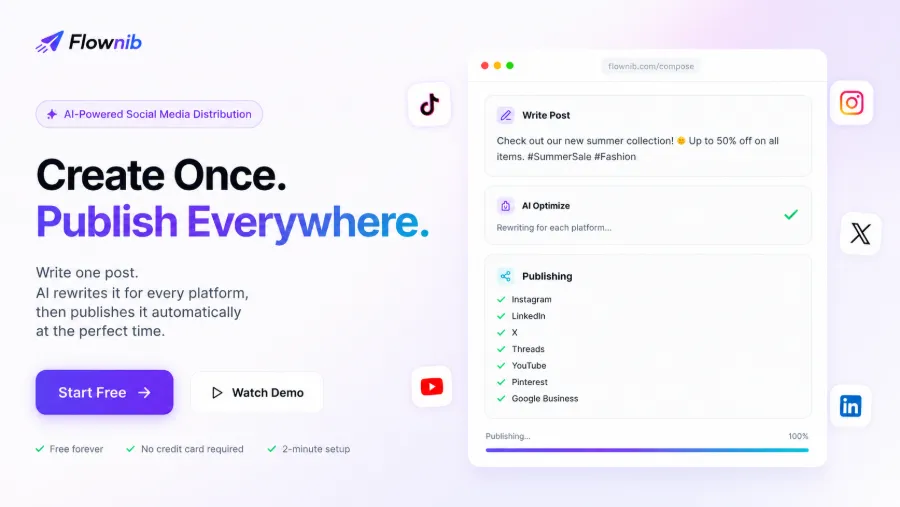
FlowNib works simply: you write a piece, it analyzes your tone and keywords, then automatically generates platform‑specific versions. Short sentences + emojis for Instagram, a concise core message for X, a more formal industry‑focused version for LinkedIn. No manual formatting required.
The logic behind it is direct API connections—no browser automation, no third‑party scraping, just official Instagram, X, LinkedIn, TikTok, Facebook, Threads, Pinterest, YouTube, Bluesky, and Google Business APIs. API availability reaches 99.99 %, meaning failures due to platform interface issues are virtually nonexistent.
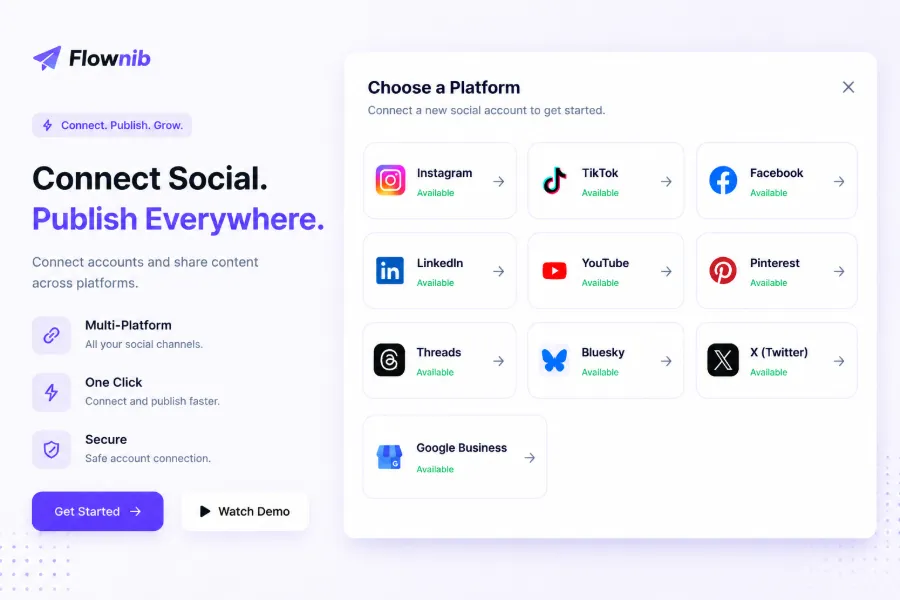
The setup is much faster than I expected. Click “Connect account,” authorize, repeat ten times—everything is done in about two minutes. The free plan offers three social accounts and six posts, which is enough for individual creators and early‑stage teams to try.
From user feedback, a marketing lead of an e‑commerce brand says their team saves 15 hours per week. Our own calculations are similar: manual posting takes 8.75 hours per week; after using FlowNib, you only need about 0.5 hours for setup and review. Compared to traditional tools like Buffer, the core difference is that AI rewriting is built‑in, rather than just redistributing the same content. If you already have a final copy, Buffer can schedule it, but it won’t adapt the short format for Instagram or the long‑form style for LinkedIn.
For readers who want a deeper dive, see this FlowNib comprehensive review for cross‑border sellers, which covers more real‑world scenarios and configuration details.
Saving Time Is Just the First Step: Reducing Errors and Ensuring Consistency
Time savings are obvious, but another pain point of manual posting is error rate. The Black Friday‑to‑Christmas example earlier is just the tip of the iceberg.
A more typical scenario: you see a viral piece on your phone and want to repost it on X. You copy the link, paste it, and get a garbled string because the content contains special characters. You reopen the page, manually copy plain text, but forget to include the original planned image. Later you discover that LinkedIn never got the post because you missed the publishing order and shut down the computer after posting to four platforms.
These mistakes happen three to five times a month in a typical operation. FlowNib’s mandatory content checks and preview mechanism eliminate these problems at the source, because all platform content is generated and reviewed in a single editor—no missed or mis‑posted items.
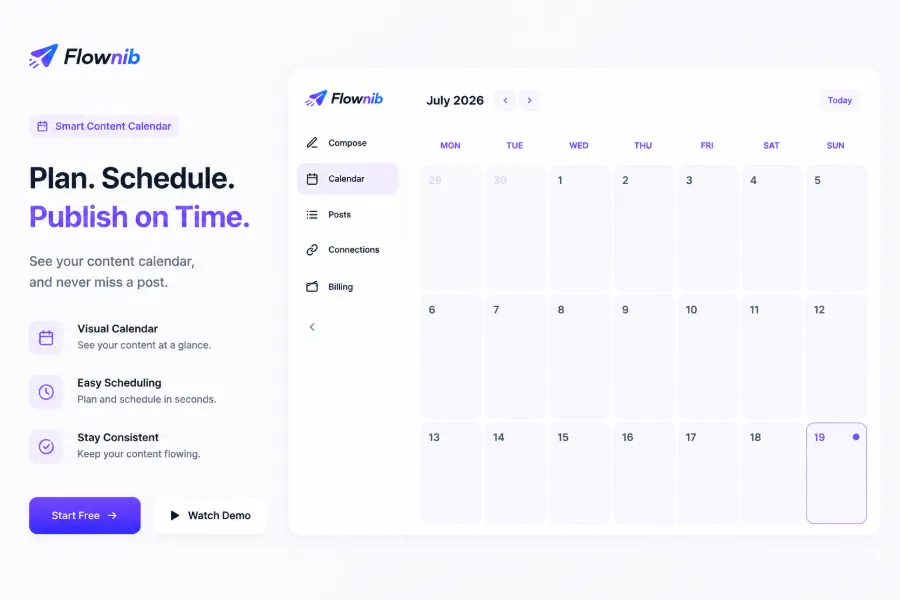
Content consistency is another key issue. When posting manually, the tone often varies—too formal on Instagram, too casual on LinkedIn. FlowNib’s AI rewriting analyzes your baseline tone from the start and then outputs platform‑specific versions, keeping core brand messages, keywords, and CTAs identical while adjusting the expression to suit each audience.
When I was on a team, we mistakenly posted a Black Friday limited‑time discount as a Christmas code, confusing customers. The root cause was copying an old draft without updating it. Such situations are common when workflows are chaotic, but AI rewriting with enforced consistency checks flags any missing date or price changes before you click publish.
A further benefit worth mentioning: multi‑account management. If a team runs five regional accounts for a brand, or a manager handles both client and own accounts, the pain of logging in and out is comparable to task switching. FlowNib lets you manage all accounts from a single dashboard, no repeated logins. For a broader comparison of tools, see this FlowNib vs Later vs Sprout Social multi‑platform comparison, which details account‑management experiences.
Real‑World Comparison: Which Approach Fits Your Team?
After all the subjective impressions, here’s a table of numbers.
| Dimension | Manual Posting | FlowNib AI Distribution |
|---|---|---|
| Weekly time spent | 8.75 hours | ~0.5 hours |
| Platform coverage | Limited by individual, usually 3–5 | 10 major platforms |
| Scheduling method | Post when you think of it, by feel | Smart scheduling or manual setting |
| Error frequency | At least 1–2 missed/incorrect posts per week | Near zero |
| Multi‑account management difficulty | Requires repeated logins and switches | Unified dashboard |
| Team scalability | Adding one person doubles the work | One person can manage everything |
From a time perspective, manual posting costs 8.75 hours per week, while FlowNib reduces that to about 0.5 hours. The saved eight hours can be devoted to strategic work—data analysis, content direction, planning the next campaign.
From a cost perspective, assuming a content specialist earns ¥50 per hour, manual posting consumes about 1,750 minutes per month, equivalent to ¥3,500 in labor. The free FlowNib plan already covers basic scenarios, and the paid version costs even less.
From an error‑rate perspective, manual posting yields at least one missed, wrong, or malformed post per week. AI distribution includes previews and checks before publishing, and automatic logs afterward.
Of course, manual posting still has value in certain situations. If your content relies heavily on real‑time interaction—each post needing immediate comment replies—manual publishing with live monitoring can be more flexible. But for teams with stable content calendars and frequent cross‑platform operations, the efficiency advantage of automation is overwhelming.
For an in‑depth comparison of FlowNib and traditional scheduling tools, check out this 2026 comparison review of FlowNib vs Buffer vs Hootsuite, which details API stability, pricing, and feature differences.
FAQ
Q1: Which social platforms does FlowNib support?
It supports Instagram, X (Twitter), LinkedIn, TikTok, Facebook, Threads, Pinterest, YouTube, Bluesky, and Google Business—10 platforms in total— all via direct official API connections.
Q2: Will AI rewriting make my content sound unlike me?
The AI analyzes your baseline tone and then adapts each platform version while keeping core information, keywords, and CTAs unchanged. You can preview each platform’s version before publishing to confirm.
Q3: Is the free plan sufficient for individual creators?
The free plan provides three social accounts and six posts, which is ample for beginners or creators with low posting frequency. If you need more accounts or higher volume, you can upgrade to a paid plan.
Q4: How long does the entire setup take?
From registration and connecting social accounts to publishing, the whole process takes about two minutes. No configuration expertise is required—just a few clicks to authorize.
Q5: Can I schedule a month’s worth of content in advance?
Yes. The content calendar supports custom scheduling; you can manually set each platform’s publish time or let the AI choose the optimal slot based on audience activity. Planning a month ahead is completely feasible.
Share Article