
The Best AI Content Repurposing Tools of 2026: How to Make One Piece of Content Cover All Platforms

Operators of cross‑border e‑commerce have probably all experienced this scenario: a product post needs to be published separately on Instagram, LinkedIn, TikTok, and X, each platform has different character limits, different hashtag conventions, and even distinct tone preferences. As a result, the same material is repeatedly copied, pasted, trimmed, and reformatted, consuming a whole morning on “editing” and “posting,” while very little time is left for actual writing.
The cost of this manual adaptation became even more pronounced in 2026. New platforms keep emerging, the volume of content to be published continues to rise, yet team headcount does not grow accordingly. AI content repurposing tools are built exactly for this pain point—hand a piece of material to the AI, and let it automatically rewrite and distribute it according to each platform’s rules.
Content repurposing is not simple copying; it is making the same material appear on each platform in the format that best fits that platform. To judge whether a tool is qualified, you don’t look at whether it can copy the text, but whether it can understand each platform’s context and adjust the expression while keeping the information consistent.
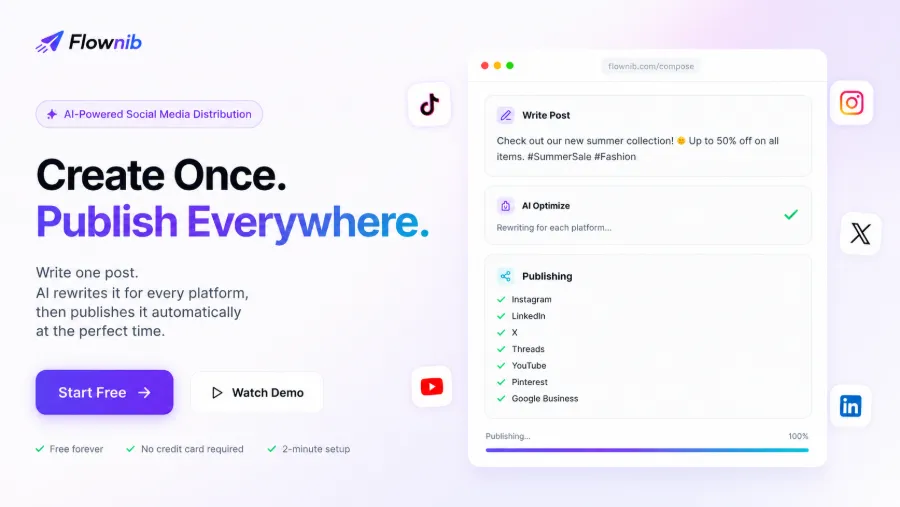
Why AI Content Repurposing Became an Efficiency Must‑Have in 2026
First, let’s do a time accounting. If an operator has to manually switch among 10 major platforms to adapt the same piece of content, even spending only five minutes per platform adds up to 50 minutes per round. That doesn’t include the time spent switching tabs, copying and pasting, and checking formatting. Publishing three pieces of content a day would therefore consume about two and a half hours just on adaptation.
That’s only the time cost. The error risk associated with manual operations is even more hidden—posting to the wrong account, missing hashtags, exceeding character limits and getting truncated, or having an incorrect link format. These issues are usually discovered after publishing, often resulting in lost exposure.
The definition of content repurposing deserves clarification. It means that a piece of material, after AI adaptation, covers multiple platforms, rather than simple copying. Copying is pasting the same text verbatim to each platform; adaptation means adjusting according to each platform’s rules—Instagram emphasizes visuals and hashtags, LinkedIn values professional tone and long‑form text, X (Twitter) favors brevity and immediacy, and TikTok looks for short sentences and rhythmic flow.
There are several reasons why this demand is even more pronounced in 2026: new social platforms (such as Bluesky and Threads) keep emerging, overall content volume is rising, yet operational teams are not expanding at the same pace. Multi‑platform marketing has become a standard of omnichannel marketing, but the tools and processes that support it are still stuck in a manual stage.
Key Capability Dimensions for Evaluating AI Content Repurposing Tools
Before choosing a tool, establish an evaluation framework. Many products on the market claim to be “AI content repurposing” tools, but their actual capabilities vary widely. The following dimensions are worth validating one by one.
AI rewriting and platform adaptation capability is the core. You need to confirm not just whether it can rewrite, but the quality of the rewrite—whether the tone matches the platform, whether character limits are handled automatically, and whether hashtags are adjusted according to platform conventions. Some tools merely shorten the text without any platform awareness; such adaptation is effectively nonexistent.
One‑click publishing and scheduled posting determine publishing efficiency. Whether multi‑platform simultaneous publishing is stable and whether the tool can automatically schedule posts at each platform’s optimal time directly affect operational rhythm. Pay attention to whether the AI’s “choose best time” feature is truly data‑driven or just random.
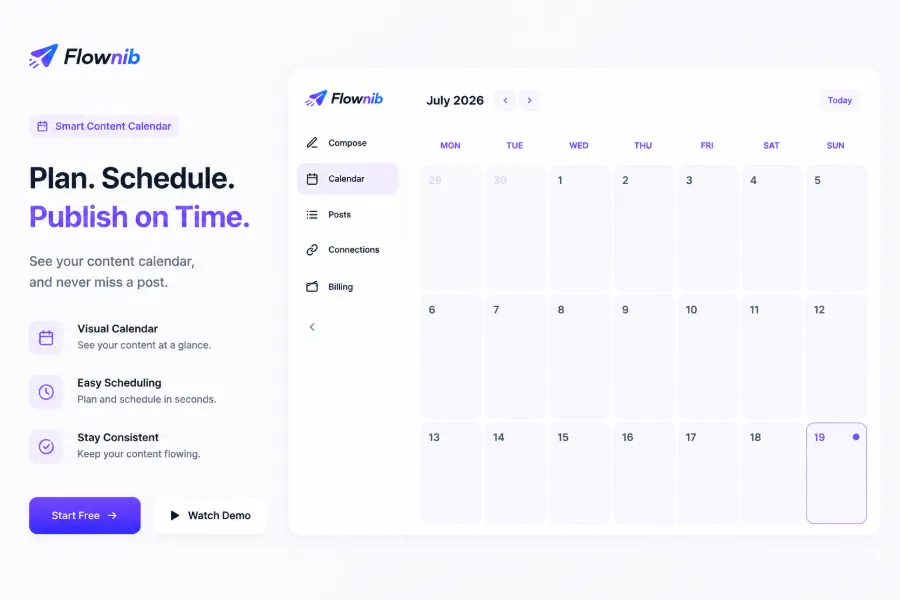
Multi‑account management and content calendar relate to team collaboration. Managing multiple platform accounts within a unified dashboard and visualizing schedules are especially important for teams handling multiple brands or accounts. The value of a content calendar is that it makes the entire publishing plan visible at a glance, rather than scattered across each platform’s scheduling interface.
Official API integration and publishing stability are the baseline. Using official APIs means publishing is more stable and compliant, and it reduces the risk of account throttling. Metrics such as failure rate and API uptime explain the issue better than a feature list.
Trend discovery and inspiration generation are bonus features. Quickly generating publishable content from trends is very helpful for teams facing content fatigue. However, this feature’s usage frequency is usually lower than daily publishing, so its priority can be lower.
| Evaluation Dimension | Key Capabilities to Verify | Common Pitfalls |
|---|---|---|
| AI rewriting and platform adaptation | tone, character limits, hashtags automatically adjusted per platform | only shortens text, no platform awareness |
| One‑click publishing and scheduled posting | multi‑platform sync, AI selects optimal posting time | schedule time random, no data backing |
| Multi‑account and content calendar | unified dashboard, visual schedule | account management fragmented, schedule not intuitive |
| API stability and compliance | official API, low failure rate | non‑official API, high throttling risk |
For publishing times, you can refer to the 2026 Instagram Best Posting Times data, which analyzes 9.6 million posts and breaks down performance by time of day. Whether the scheduling feature is effective ultimately depends on whether it can translate such data into actual publishing.
Regarding API stability, the best tools in the industry achieve uptime above 99.99 %. That may sound abstract, but in practice it means that in a month, the total time lost to API‑related publishing failures is only a few minutes. When evaluating tools, you can ask: if a platform’s API becomes temporarily unavailable, how does the tool handle it? Does it queue and retry, or does it drop the post entirely?
AI Content Repurposing Tools Worth Watching in the 2026 Market
The market landscape has changed noticeably over the past two years. Traditional social scheduling tools address the “timed publishing” problem, whereas AI‑native distribution tools solve the “content adaptation and distribution” problem. Their positioning differs, as do their suitable use cases.
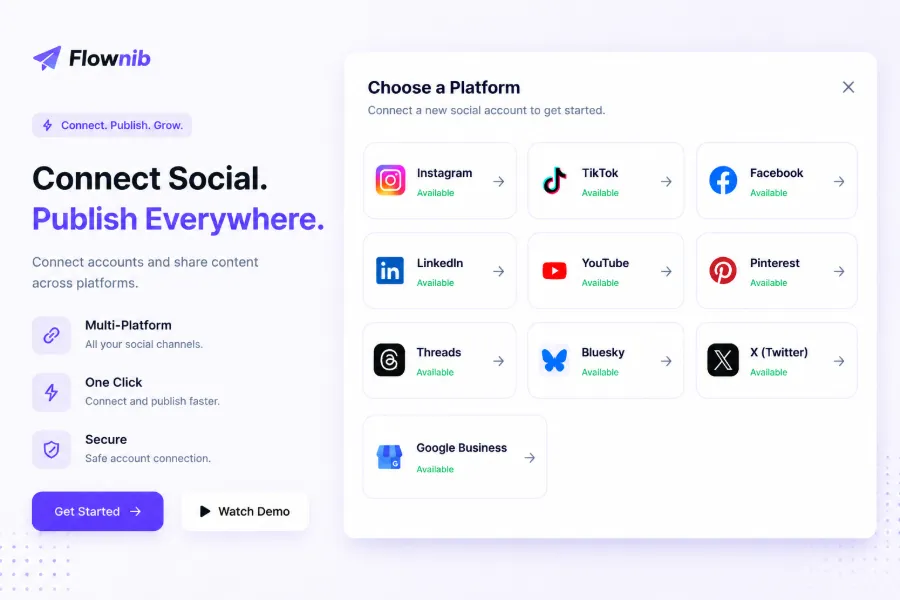
One noteworthy direction is AI‑native one‑click distribution tools. The core logic of these tools is: the user writes a piece of content, the AI automatically rewrites it for each platform, and then a single click publishes it to all connected accounts. For example, Flownib supports ten major social platforms—Instagram, X, LinkedIn, TikTok, Facebook, Threads, Pinterest, YouTube, Bluesky, and Google Business—and has published more than 500 k posts to date. Its AI rewriting logic analyzes the content and then rewrites it according to each platform’s style, character limits, and audience expectations, keeping the information consistent while varying the expression.
Another direction is the established scheduling tools such as Buffer and Hootsuite. Their strengths lie in mature ecosystems, large user bases, and comprehensive documentation, making them suitable for teams already accustomed to traditional scheduling workflows. However, their AI capabilities are usually retrofitted, and the quality of rewriting and depth of platform adaptation lag behind AI‑native tools. To explore the differences more deeply, see the Flownib vs. Buffer vs. Hootsuite comparison review, which breaks down rewriting ability, scheduling flexibility, and multi‑account management across the two categories.
Buffer’s official resource center contains many practical guides on content strategy and scheduling, making it good learning material. However, note that the resource center discusses methodology, not tool comparison—when selecting a tool, you still need to evaluate it against your actual workflow.
When doing a side‑by‑side comparison, refer back to the evaluation dimensions from the previous section and score each item. Don’t be swayed by feature lists; focus on whether the rewrite quality truly matches platform habits, whether publishing is stable, and whether multi‑account management feels smooth. A tool’s value lies in its ability to integrate into existing workflows, not in the sheer number of features.
Practical Implementation and Pitfalls of Content Repurposing for Cross‑Border E‑Commerce
In cross‑border e‑commerce scenarios, a typical content repurposing workflow is: one product asset is transformed into marketing content for multiple platforms. For example, when a new product launches, you need to cover Instagram’s visual showcase, LinkedIn’s industry updates, Google Business’s local store updates, and TikTok’s short‑video script. Each platform’s audience differs, so the expression should differ as well.
Multilingual and localization adaptation is the pain point most often underestimated in this scenario. The same content needs adjustments beyond just language—tone and phrasing habits also differ across markets. The English market accepts direct product selling points, the Japanese market values politeness and detail, and European markets have varying sensitivities to price phrasing. If an AI rewriting tool only translates without localizing, the resulting posts will feel stiff.
Here is a real case. A cross‑border e‑commerce team adopted an AI content repurposing tool and, in pursuit of efficiency, fed posts directly to the AI for automatic adaptation and one‑click publishing without any human preview. Within the first week, a key market account posted content whose translated tone didn’t match the brand’s voice, resulting in a noticeable short‑term drop in engagement. The team then switched to an “AI‑generated + human preview” workflow before publishing, which gradually restored stability.
This case illustrates a pitfall: fully handing over to AI for automatic publishing without preview carries high risk. Even the smartest AI rewriting cannot fully grasp a brand’s subtle tone. Another common pitfall is blindly chasing publishing volume while neglecting adaptation quality. Platform character limits, hashtag conventions, and tone differences make pure copy‑and‑paste content reuse almost ineffective—no matter how many posts you publish, if adaptation quality lags, engagement rates will not improve.
A practical recommendation is to establish an “AI‑generated + human preview” publishing workflow. The AI handles generation and rewriting; operators preview and fine‑tune, then publish after confirming correctness. The content calendar is crucial in this workflow, allowing you to see the publishing plan for each platform in the coming week and spot issues early. Some operations teams report saving about 15 hours per week after adopting AI distribution—but that 15‑hour saving assumes a well‑designed process, not mindless automation.
For multilingual scenarios, you can refer to the Multilingual Social Media Automation Blueprint, which discusses workflow design for cross‑language content distribution. Flownib references brand dossiers—including product information, target audience, and brand positioning—when generating content, which partially mitigates the “AI doesn’t understand brand tone” issue, but human preview remains necessary.
LinkedIn, as a B2B channel, demands higher professionalism and depth in content. Its official marketing solutions offer extensive guidance on B2B content strategy. Google Business, on the other hand, focuses more on local store information updates and user interaction. The content repurposing strategies for these two channels are completely different—the former emphasizes content quality, the latter emphasizes factual accuracy.
FAQ
What’s the difference between AI content repurposing and traditional content copying?
Copying is pasting the same text verbatim onto each platform; repurposing adjusts the expression according to each platform’s rules. The problem with copying is that each platform has its own character limits, hashtag conventions, and tone differences, so verbatim content often has low adaptation and poor engagement. The core of repurposing is to present the content in a suitable form on each platform, keeping the information consistent but varying the expression.
Which capabilities should be prioritized when selecting an AI content repurposing tool in 2026?
Prioritize AI rewriting and platform adaptation capability, as that is the tool’s core value. Next, consider the stability of one‑click publishing and scheduled posting, followed by the usability of multi‑account management and content calendar. Finally, verify whether it uses official APIs, which impacts publishing stability and account security. It’s advisable to trial first, focusing on whether the rewrite quality matches each platform’s conventions.
Which major social platforms do these tools typically support?
Mainstream tools usually cover Instagram, X, LinkedIn, TikTok, Facebook, Threads, Pinterest, and YouTube; some also support Bluesky and Google Business. When choosing, confirm that the tool’s supported platforms include the channels you actually operate. Some tools claim multi‑platform support, but the publishing capability for certain platforms may be a stripped‑down version.
Are AI content repurposing tools suitable for small teams or independent creators?
Yes. Small teams and independent creators have more fragmented time, so the cost of manually adapting content across platforms is proportionally higher. Most tools offer free or low‑cost entry plans, allowing you to start with a few accounts. Begin with 2–3 primary platforms, confirm the workflow runs smoothly, then expand—don’t try to roll out to all platforms right away.
Share Article


